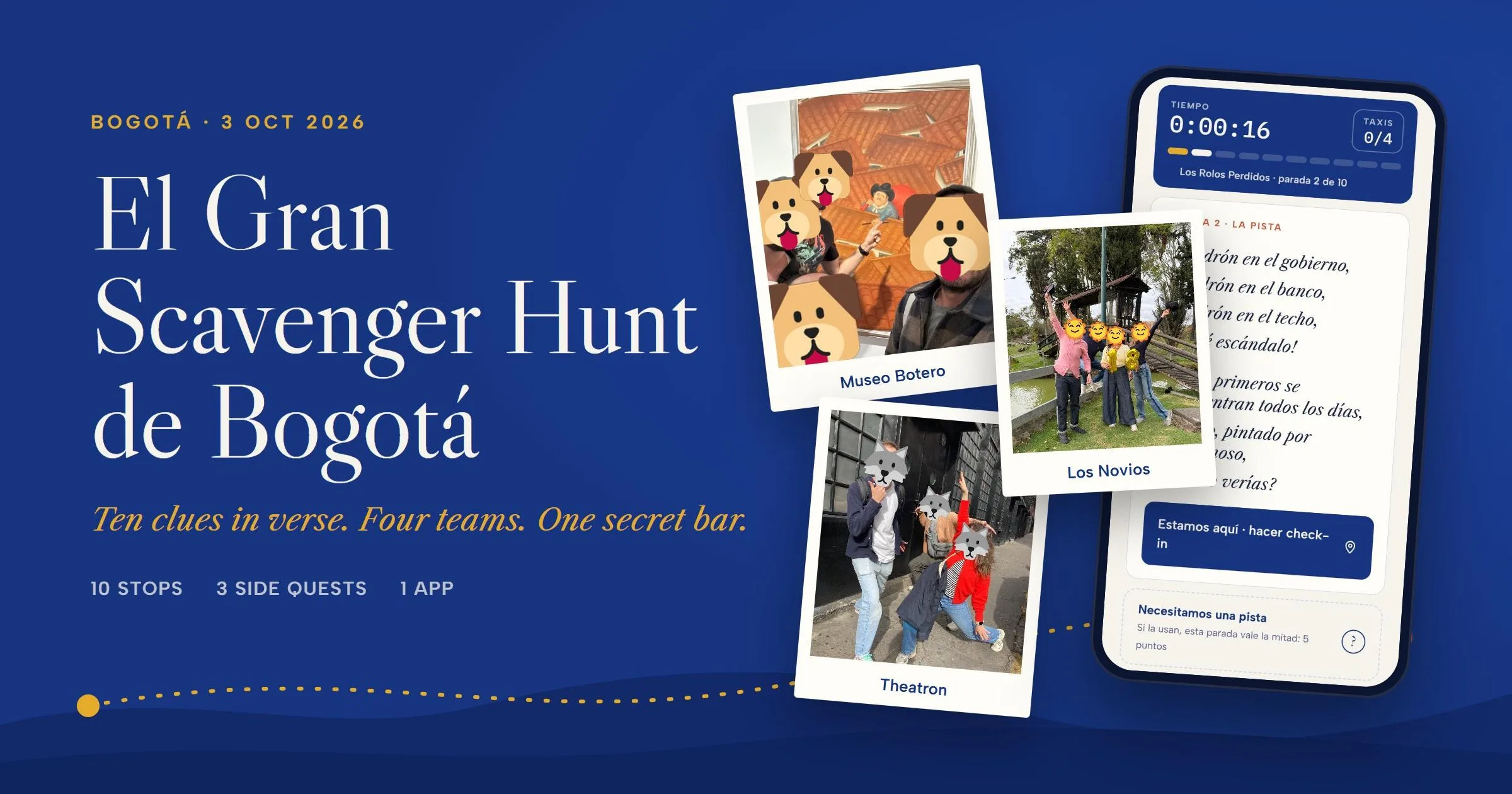
El Gran Scavenger Hunt de Bogotá
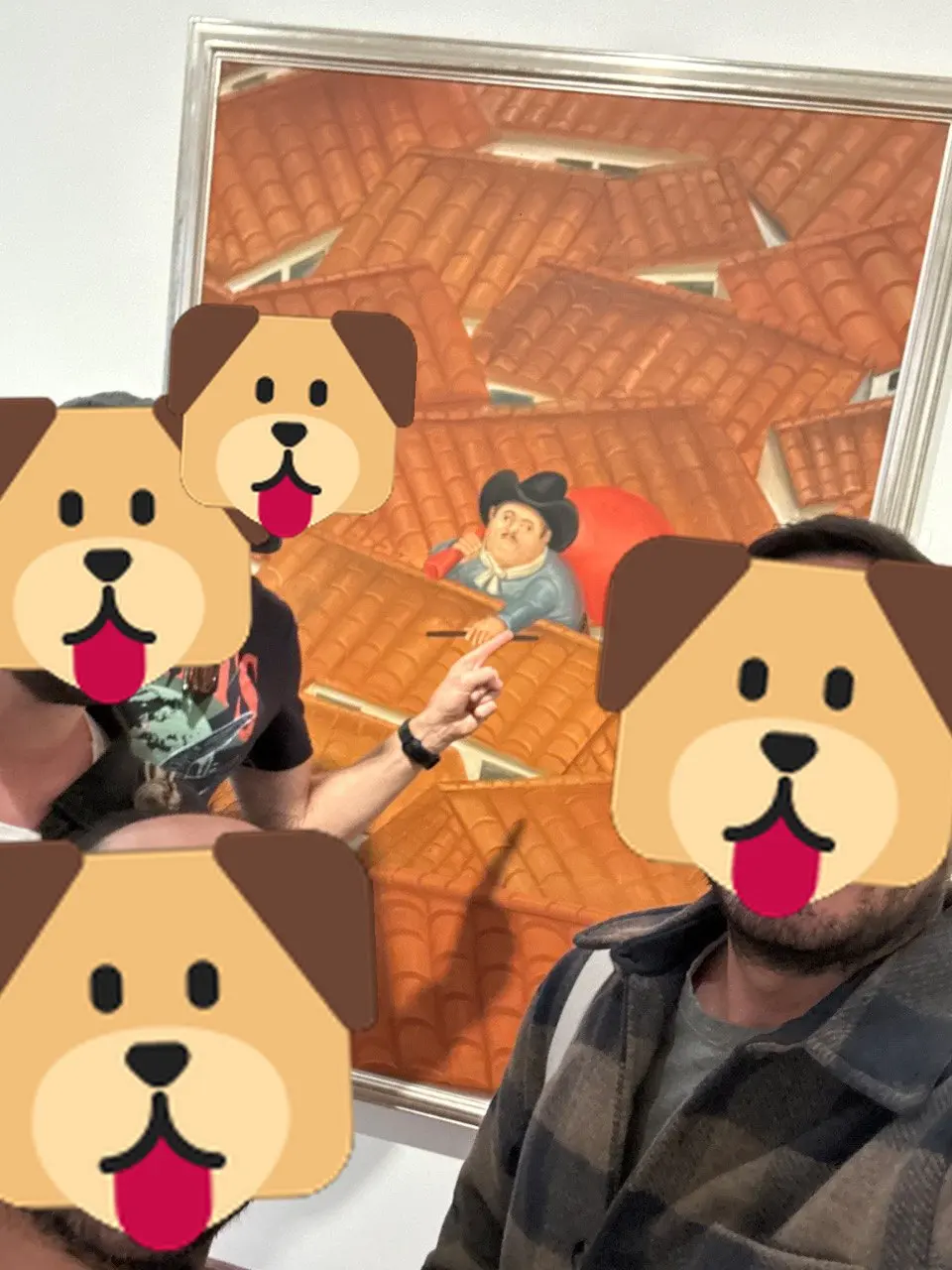
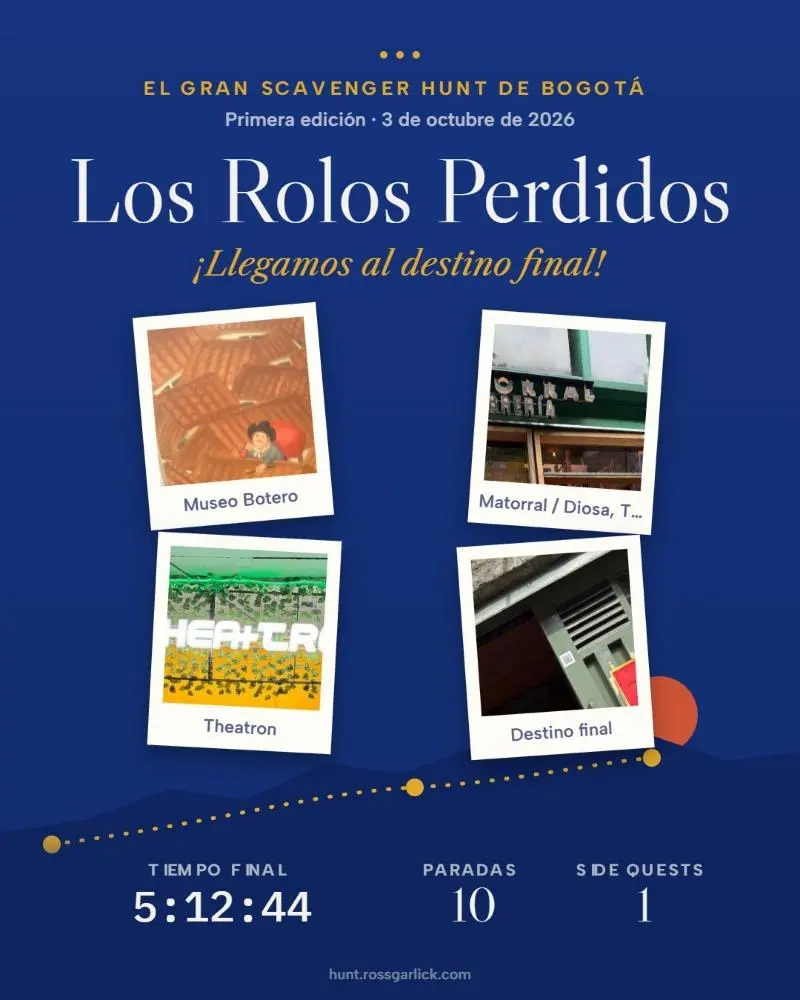
On 3 October, four teams of friends spent the day racing across Bogotá. Ten stops, each one a clue written as a short poem: the inscription on the Palacio de Justicia, a Botero thief on a rooftop, Betty la Fea's house, a library by Salmona, Chapinero's most famous church of the night. At every stop the phone checked they were really there, then asked for proof: a photo, a line copied off a statue, an empty plate of ajiaco. The finish was a bar nobody knew about until they solved the last clue. All of it ran on an app J and I built with Claude in a few days.
You can play it yourself, right here:
From afar
Ten clues in verse, in Spanish or English. Guess each place in Bogotá, then four 60-second trivia rounds. The version we made for family who couldn't come.
Open full screen ↗The real app
What the teams saw on their phones, with the real clues, in Spanish. Name your team, then use "Simular: estamos aquí" to check in from wherever you are.
Open full screen ↗Your progress is saved in this browser.
The day, stop by stop
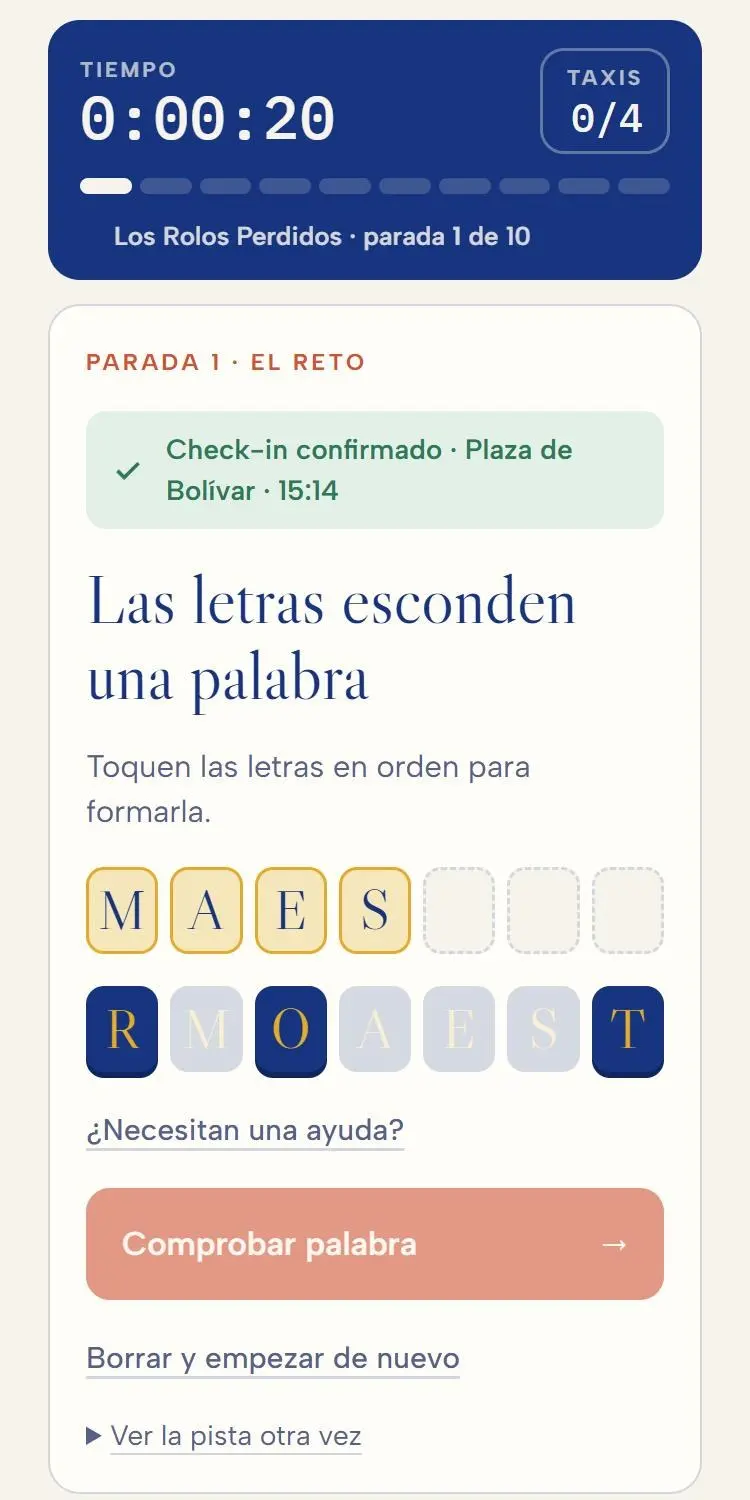
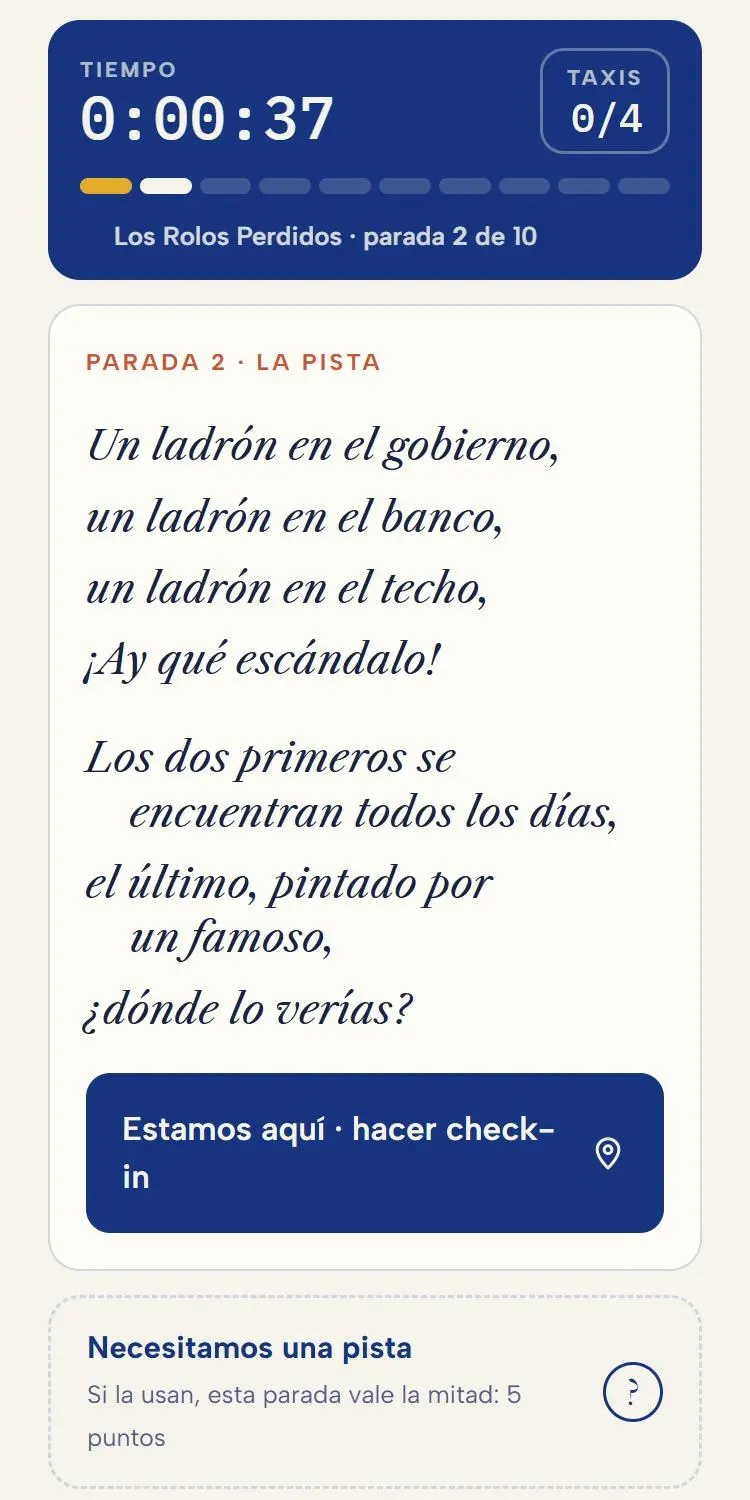
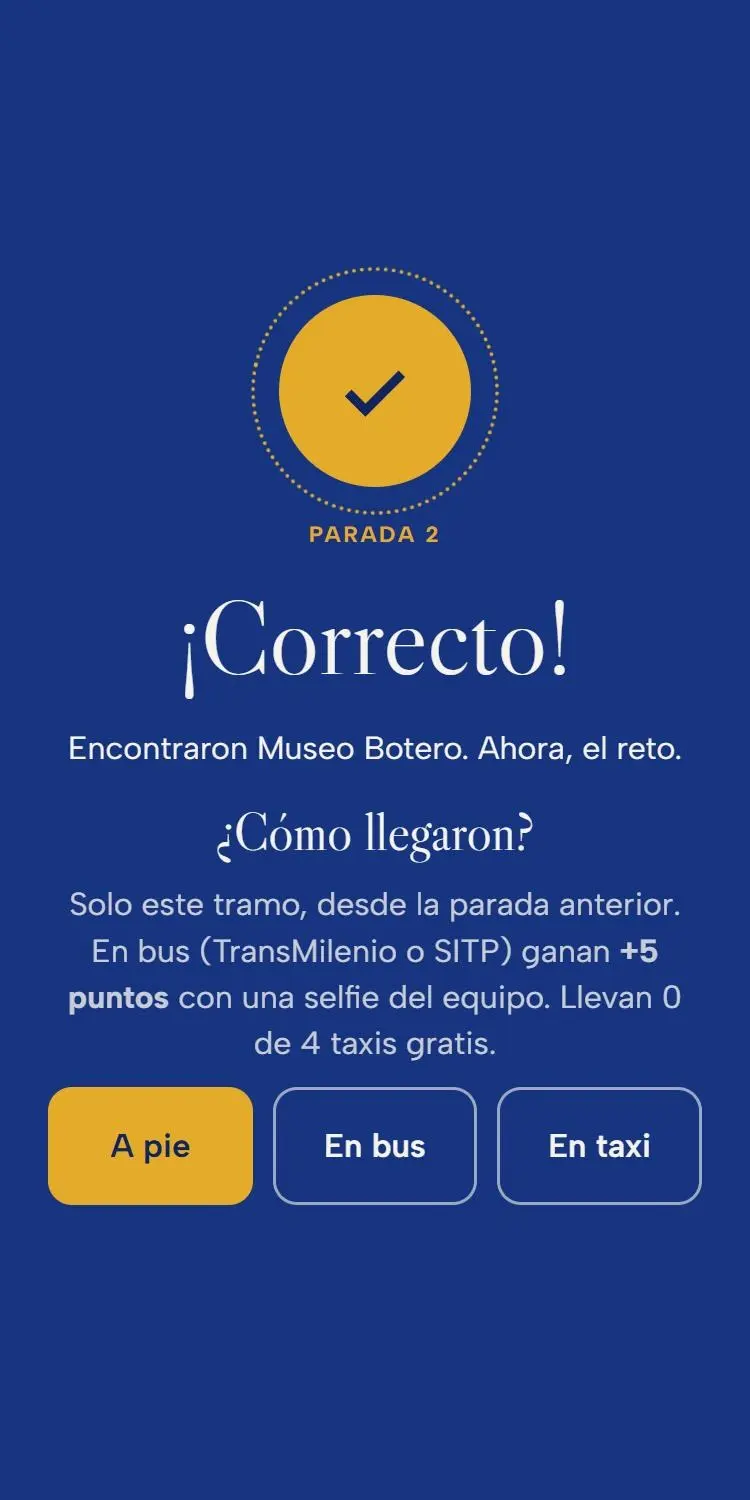
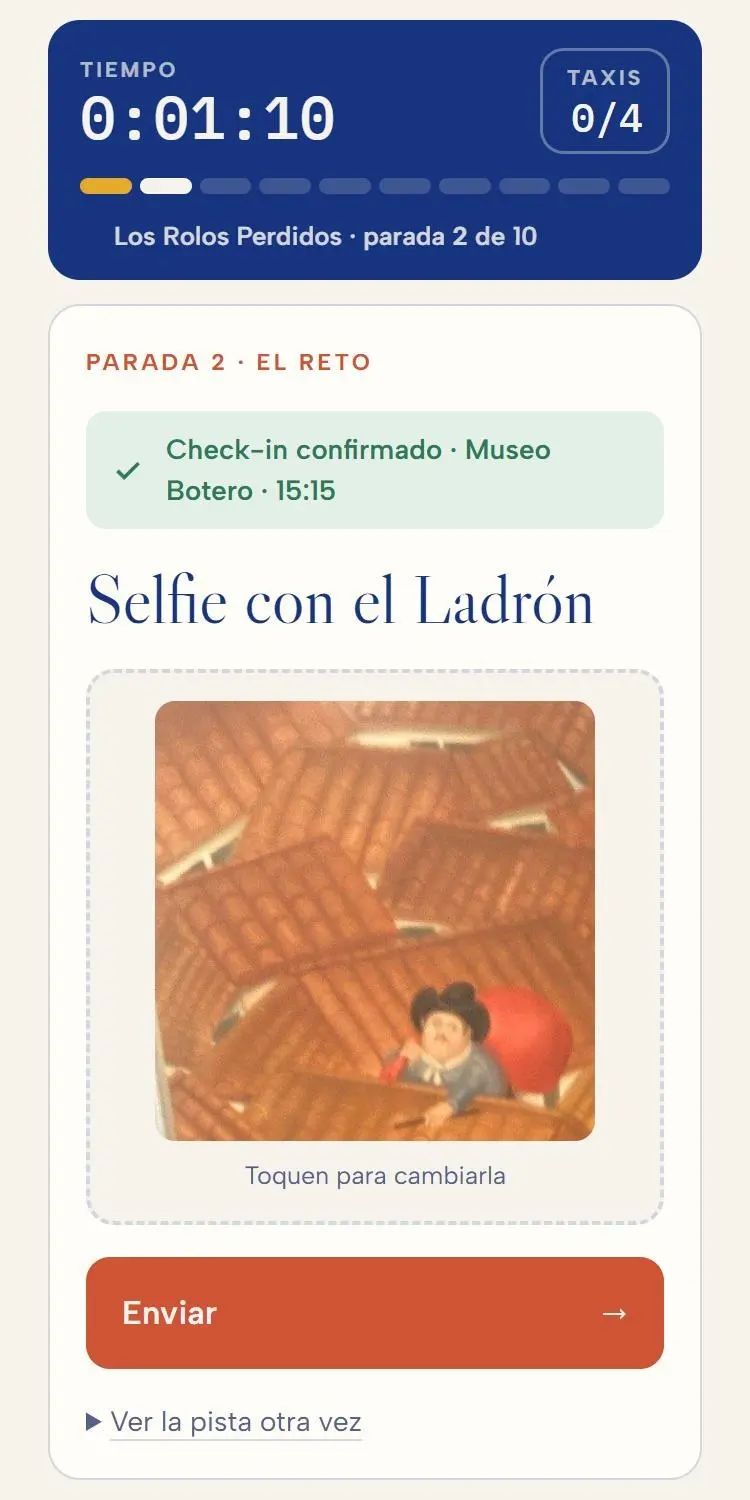
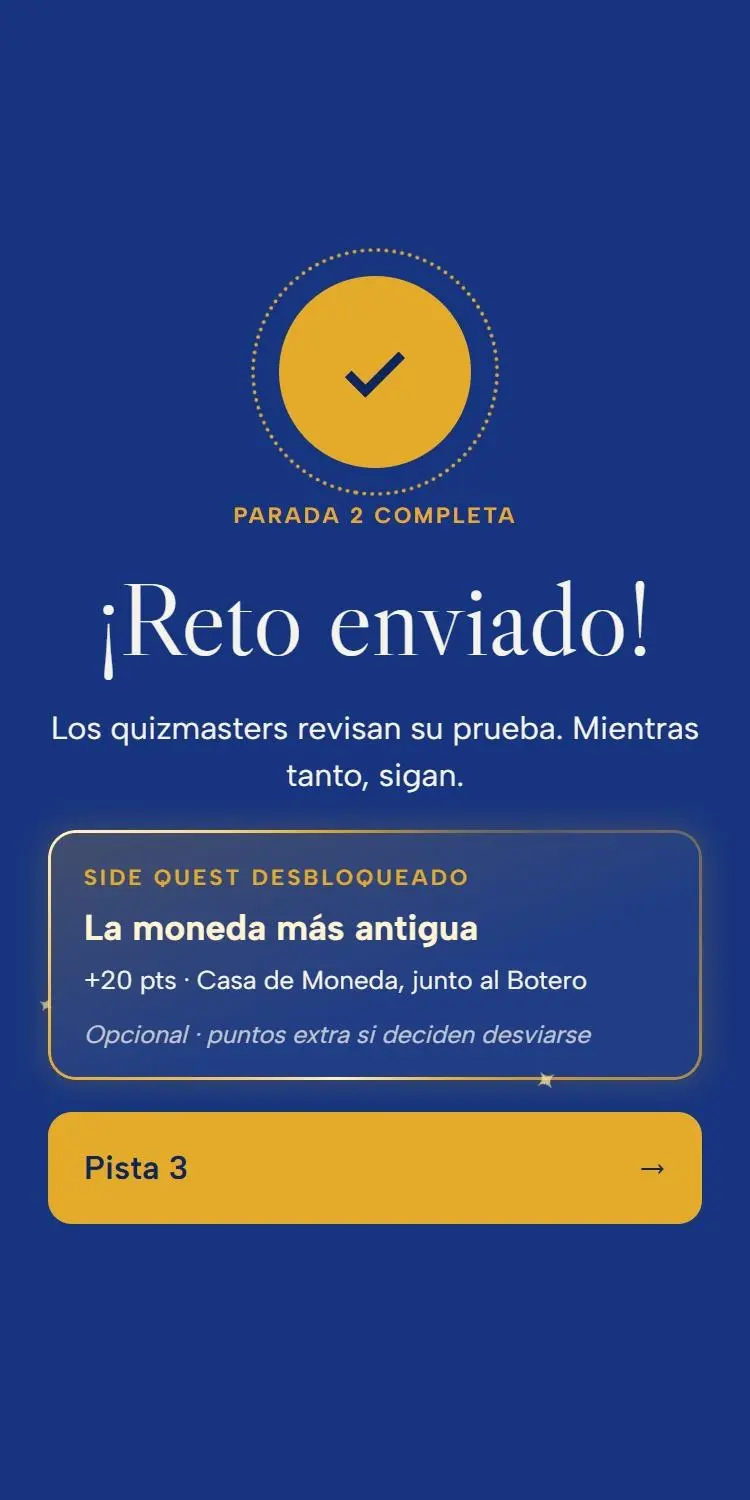
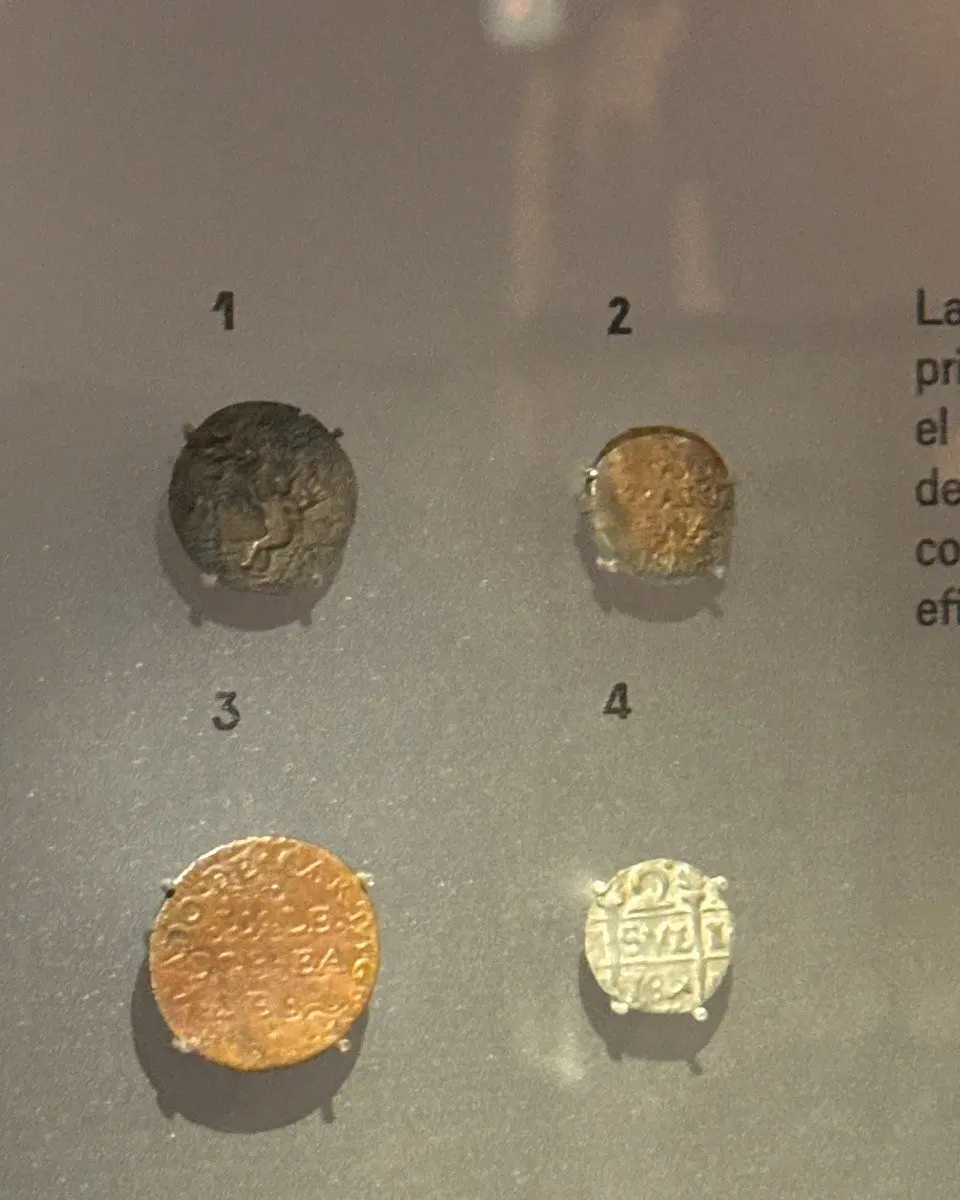
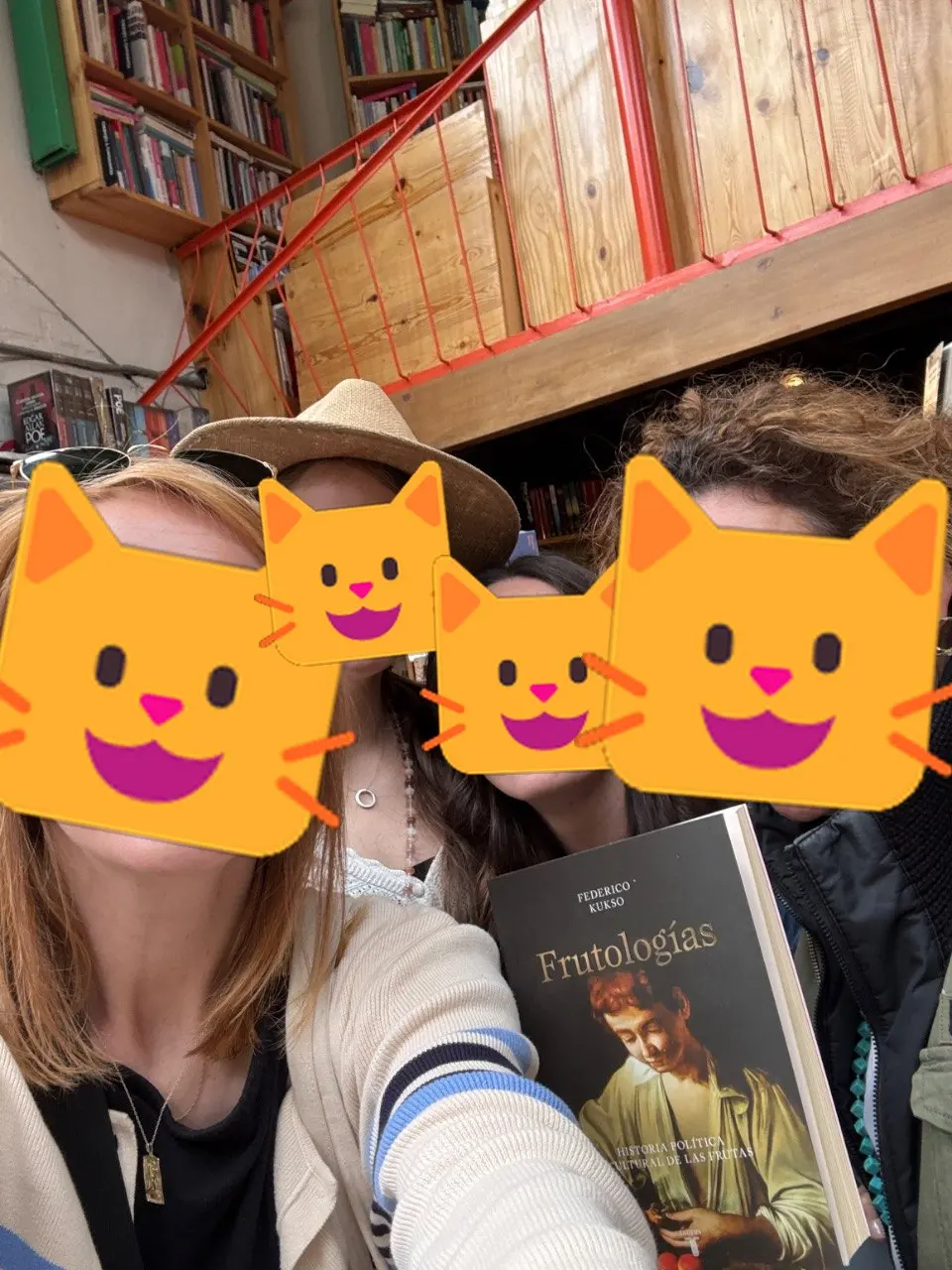
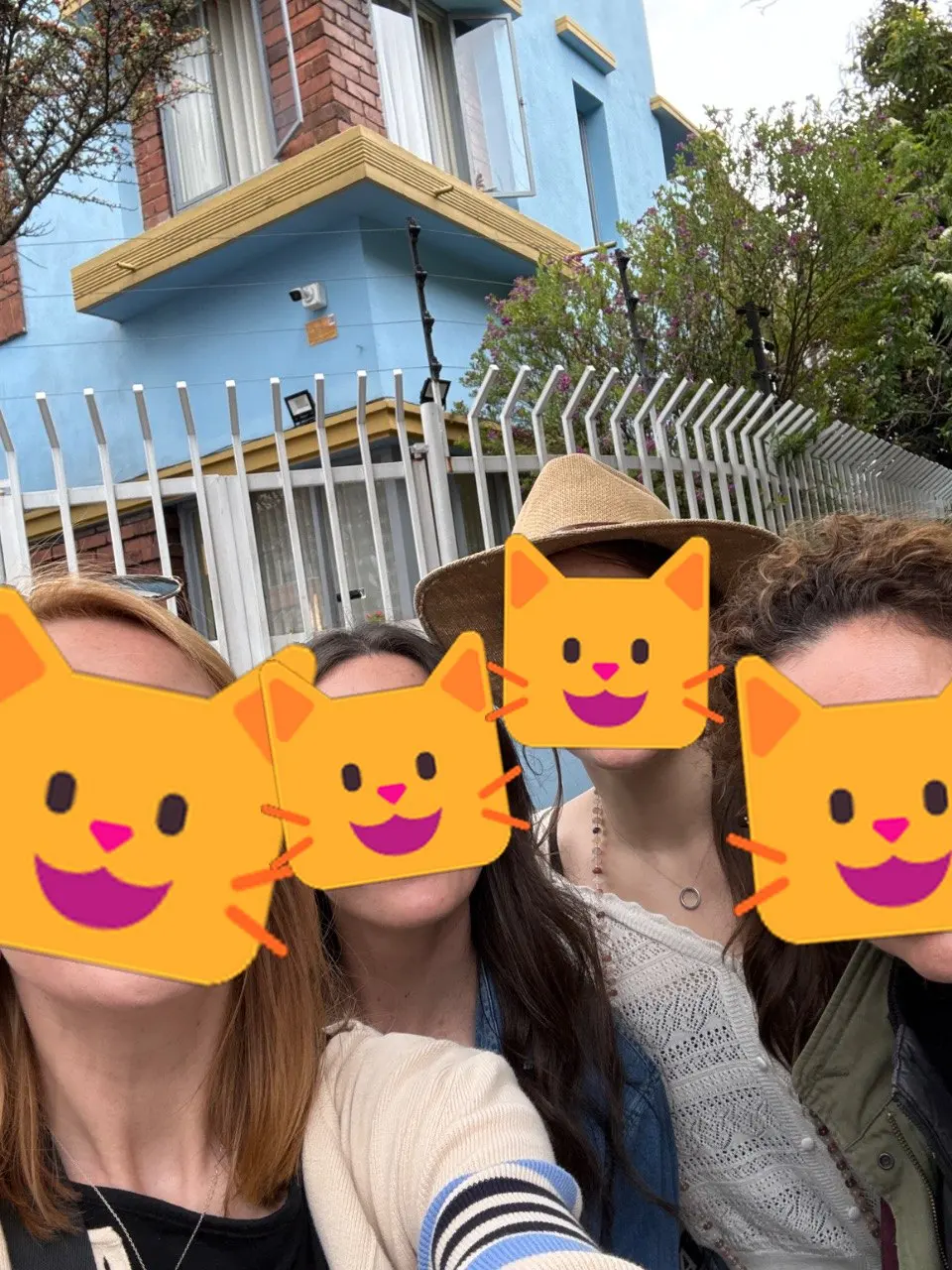
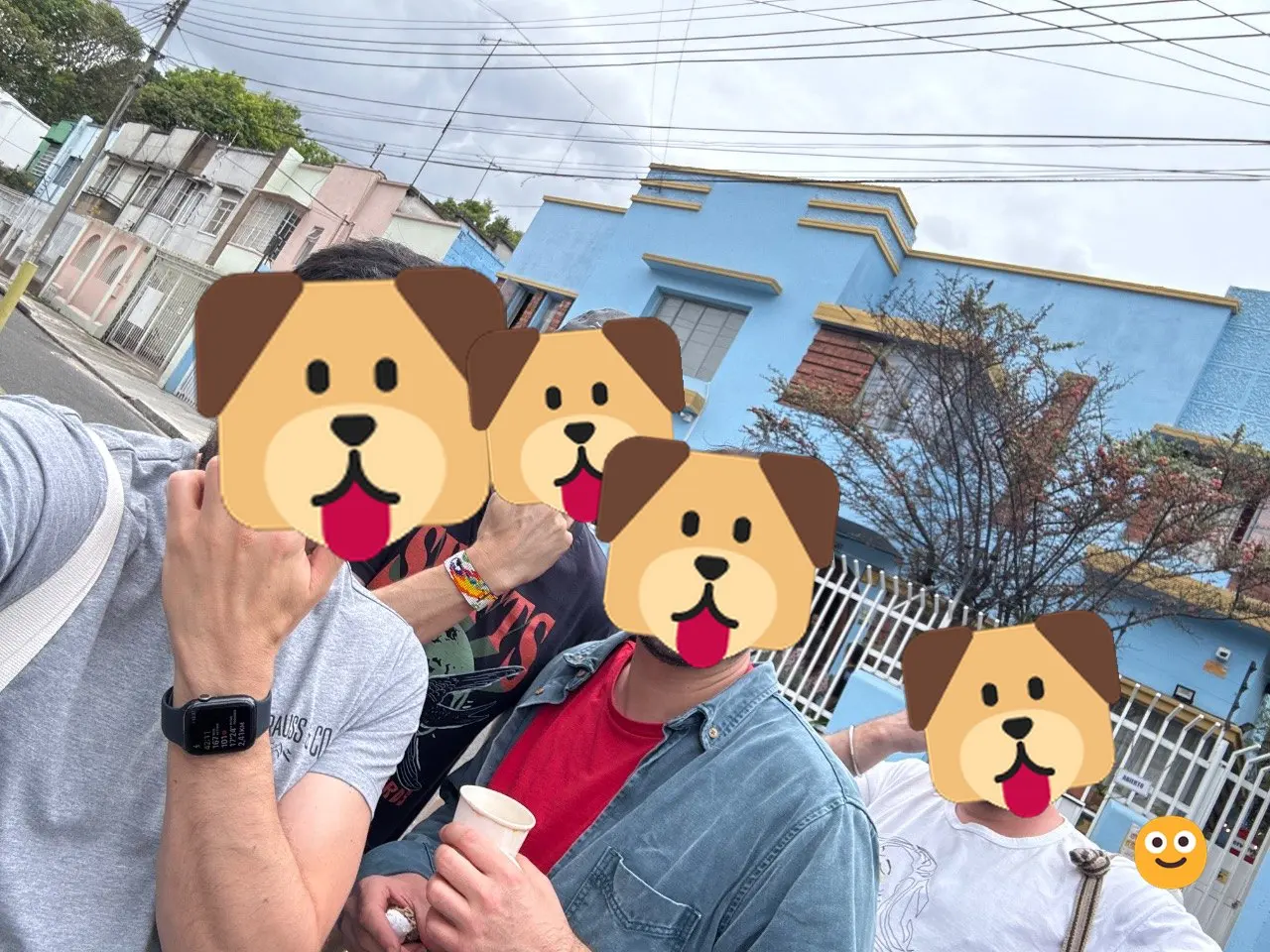
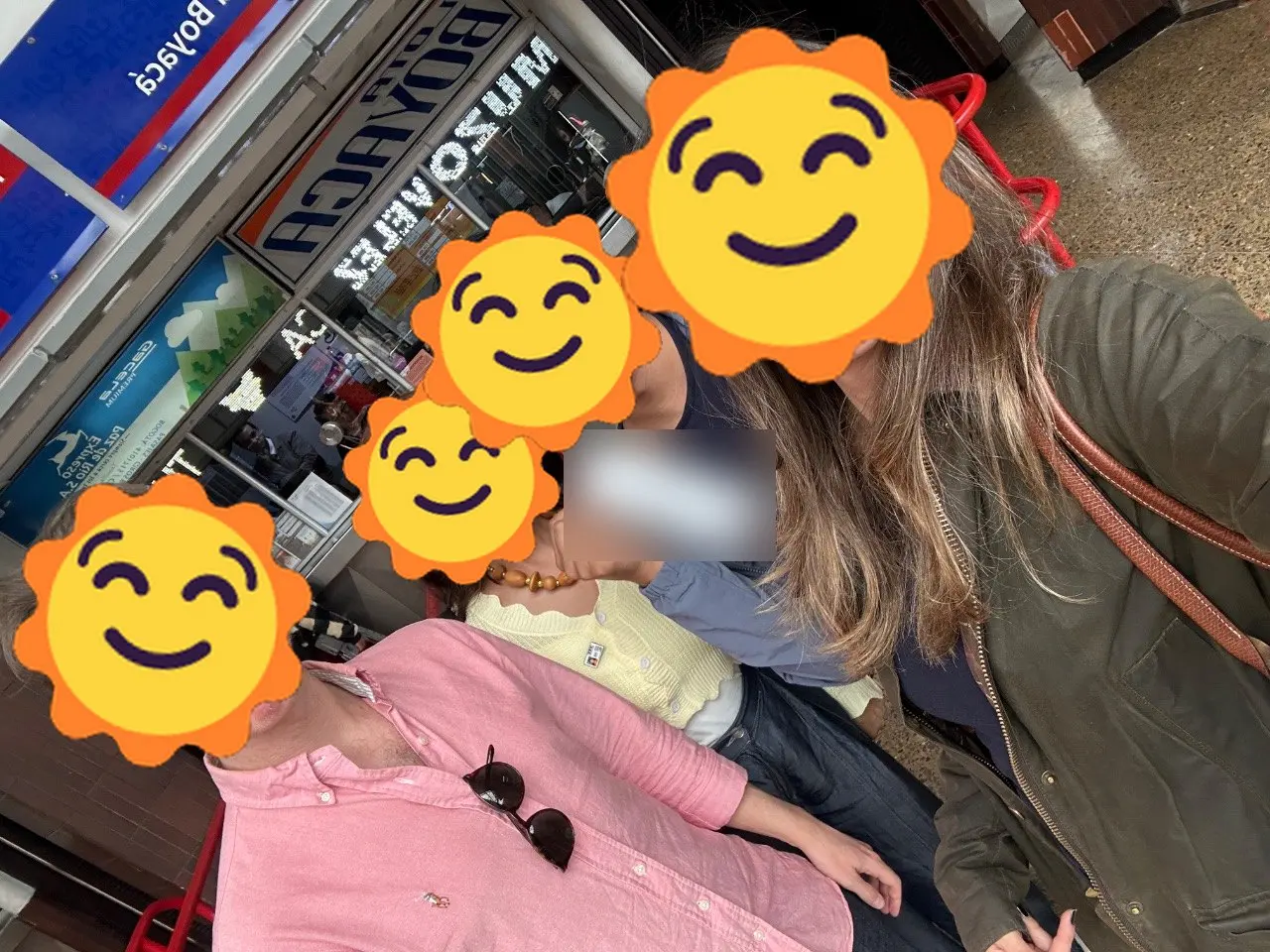
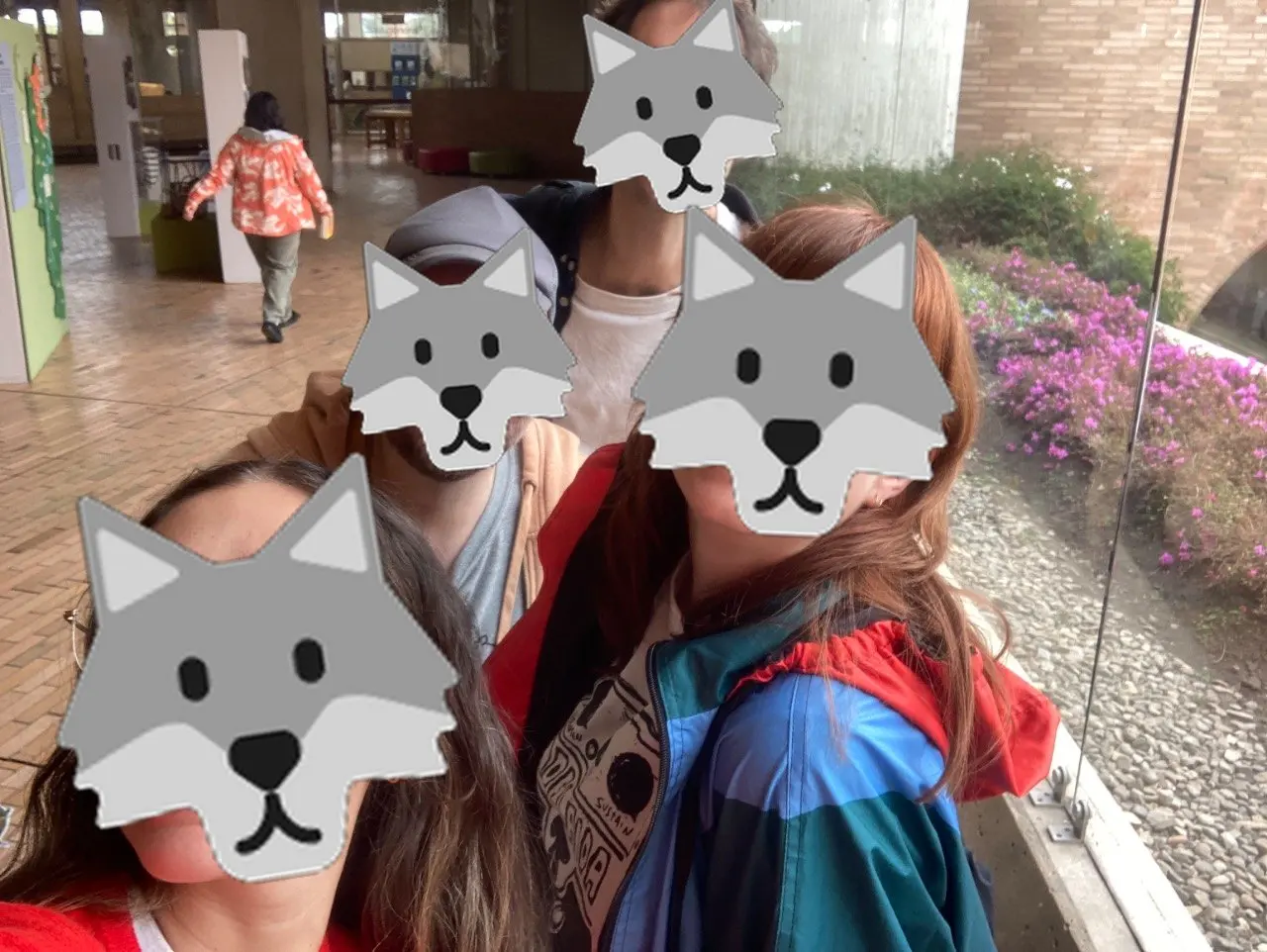
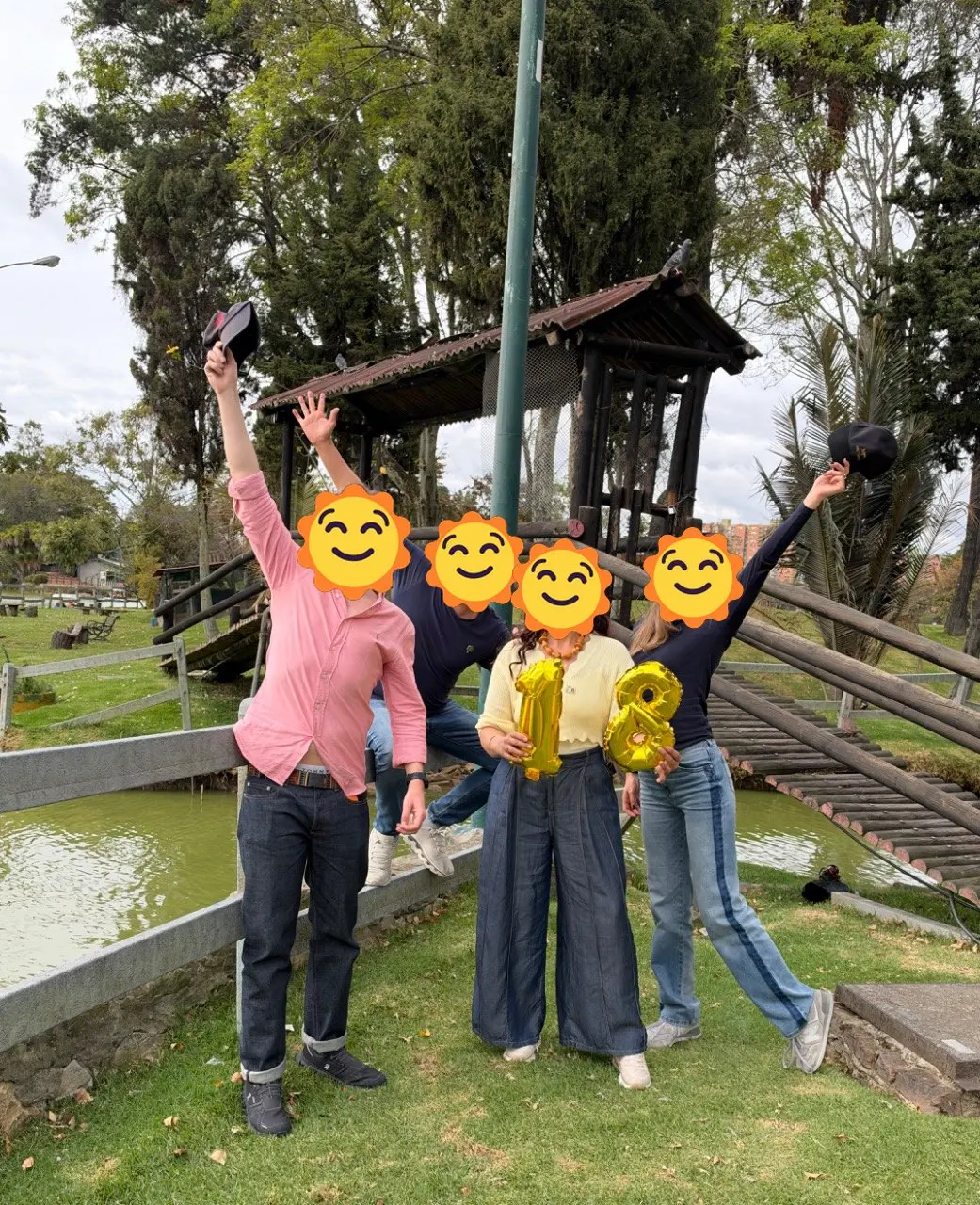
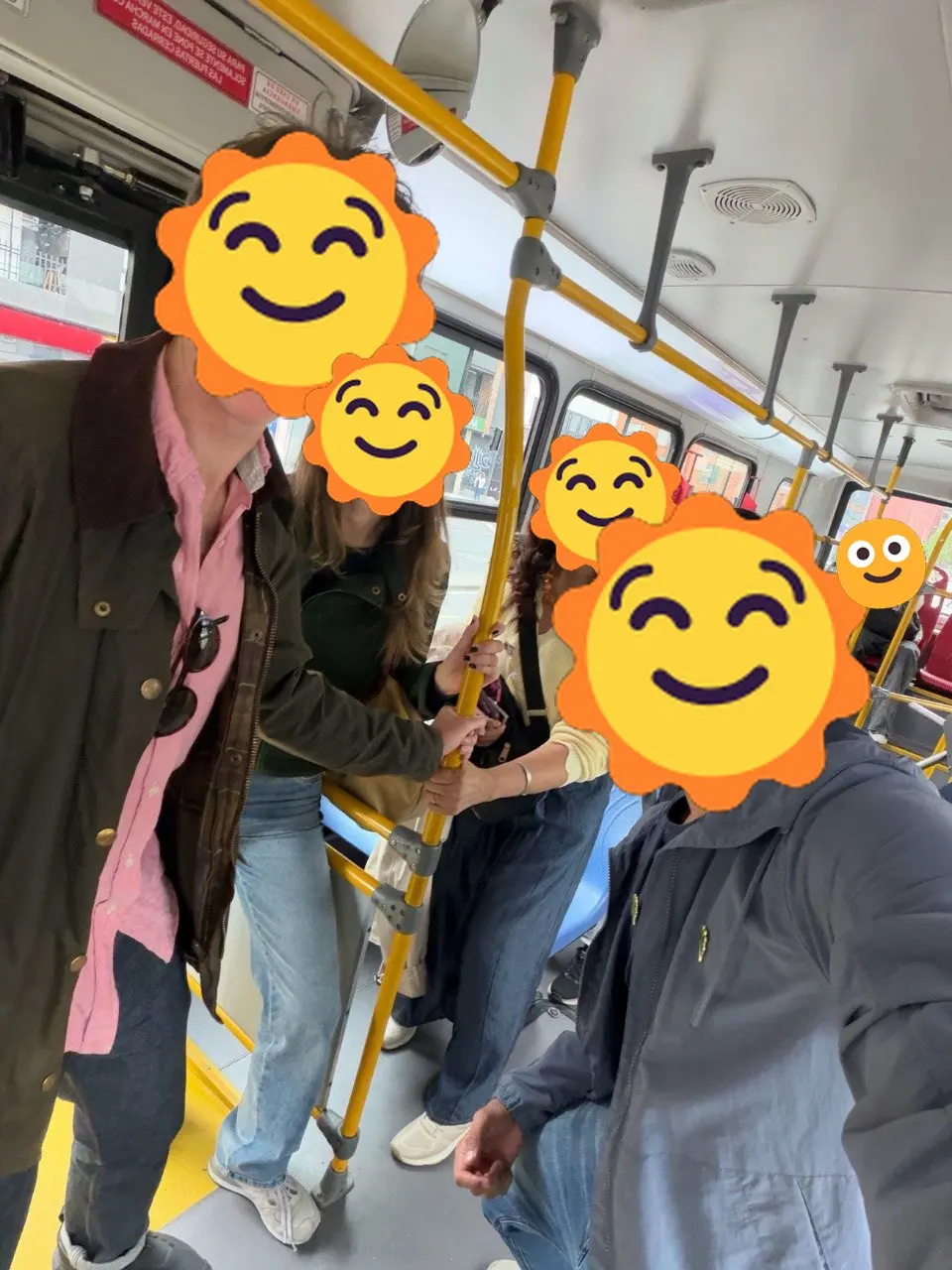
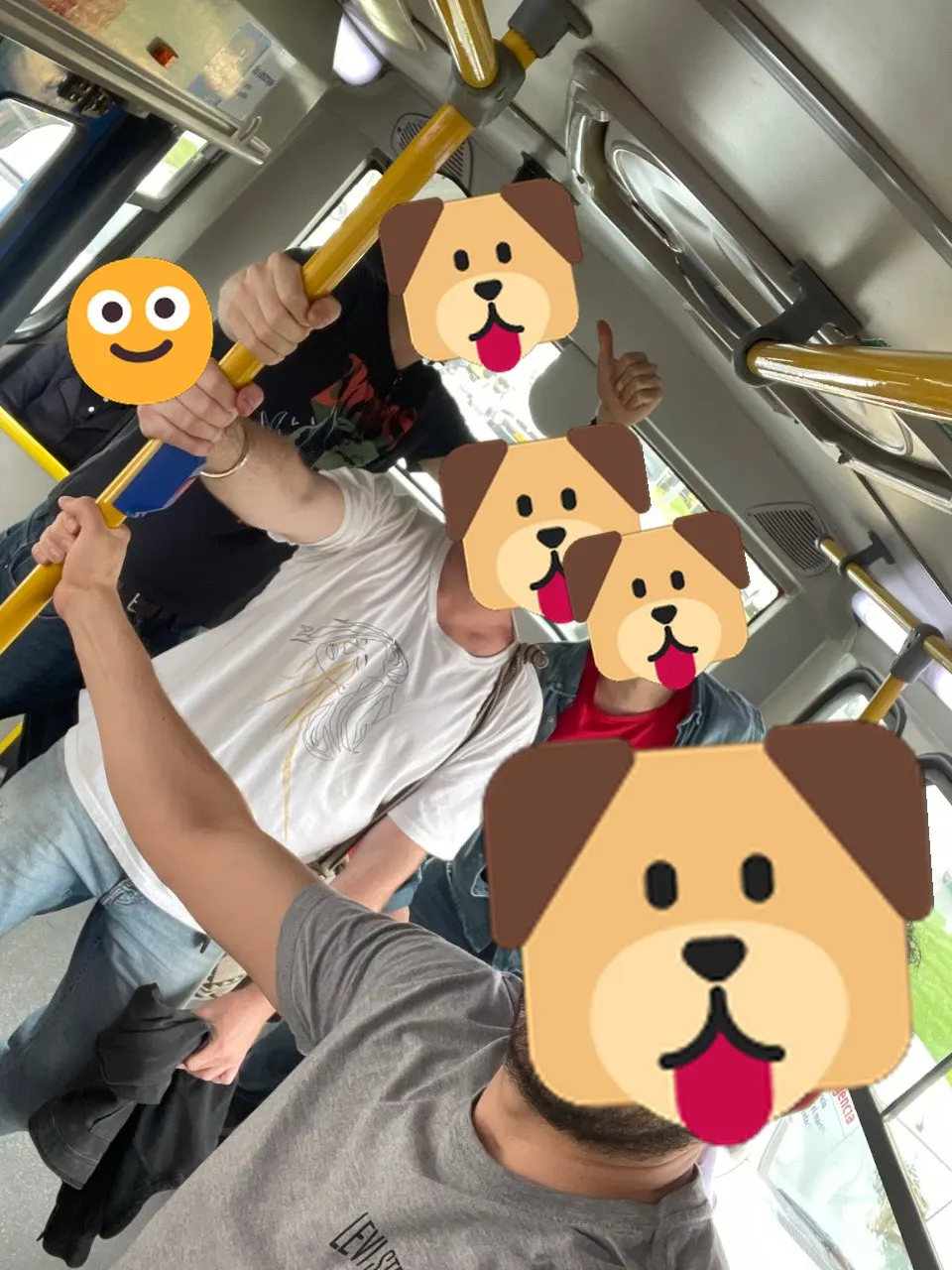
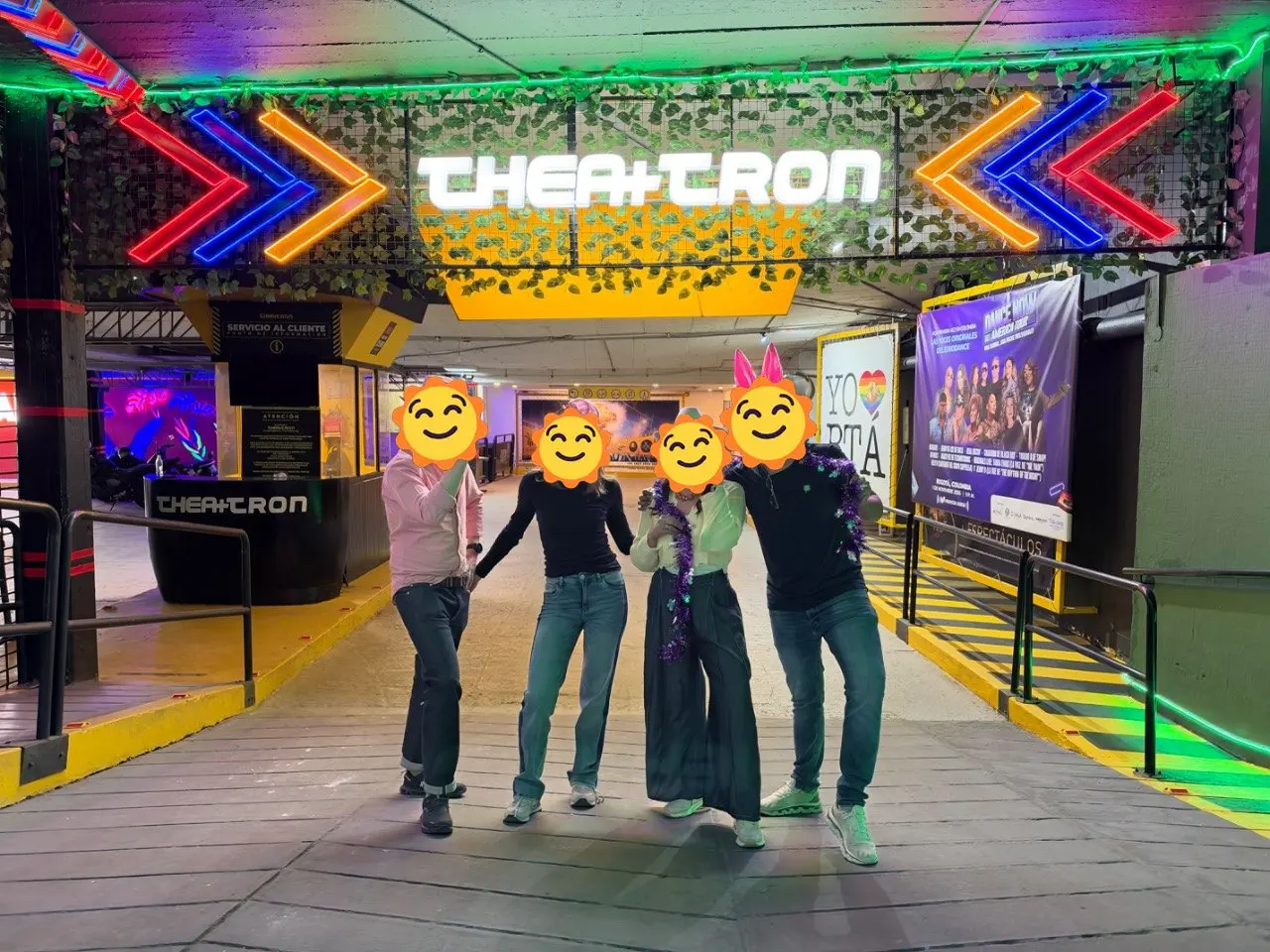
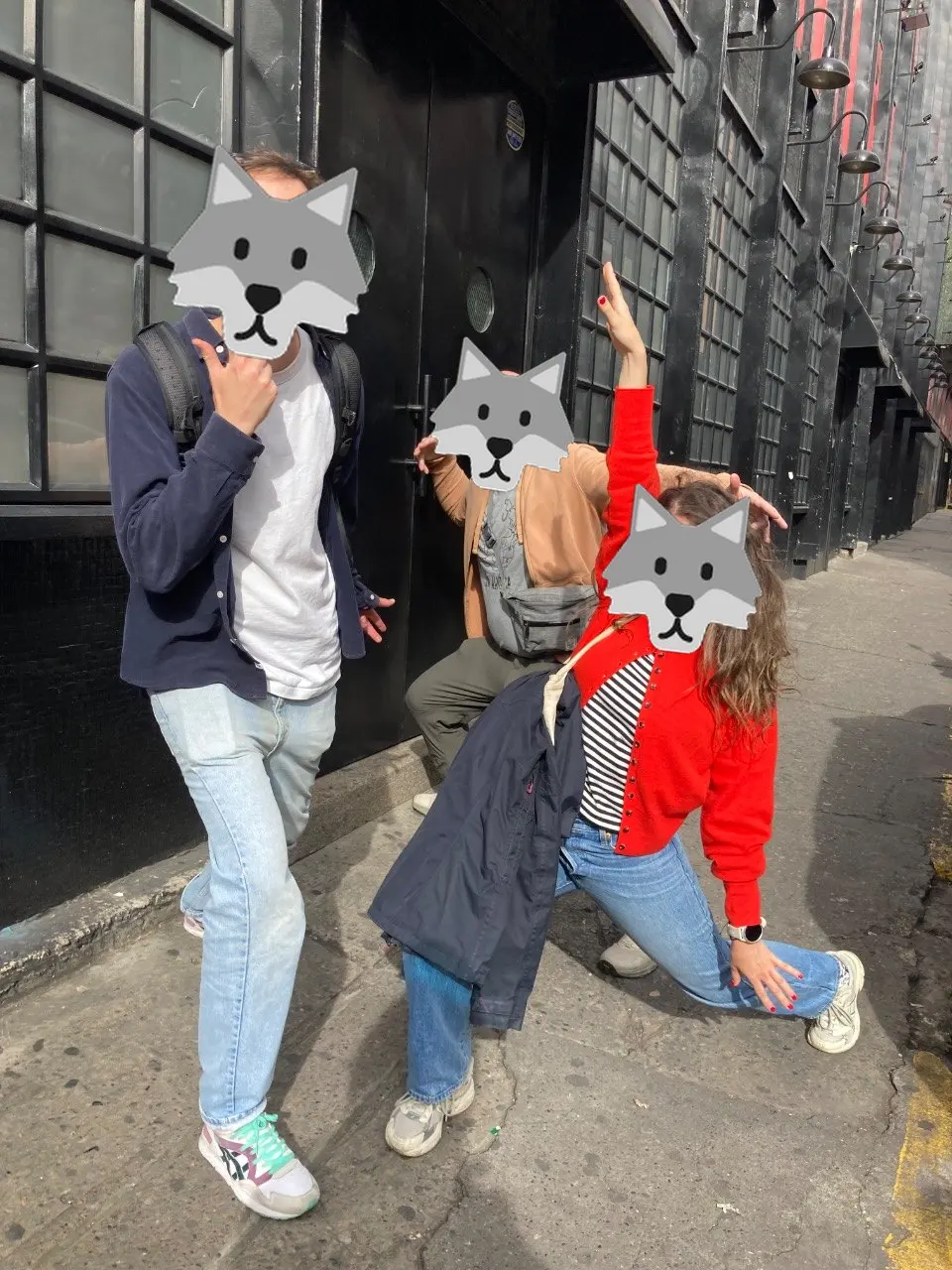
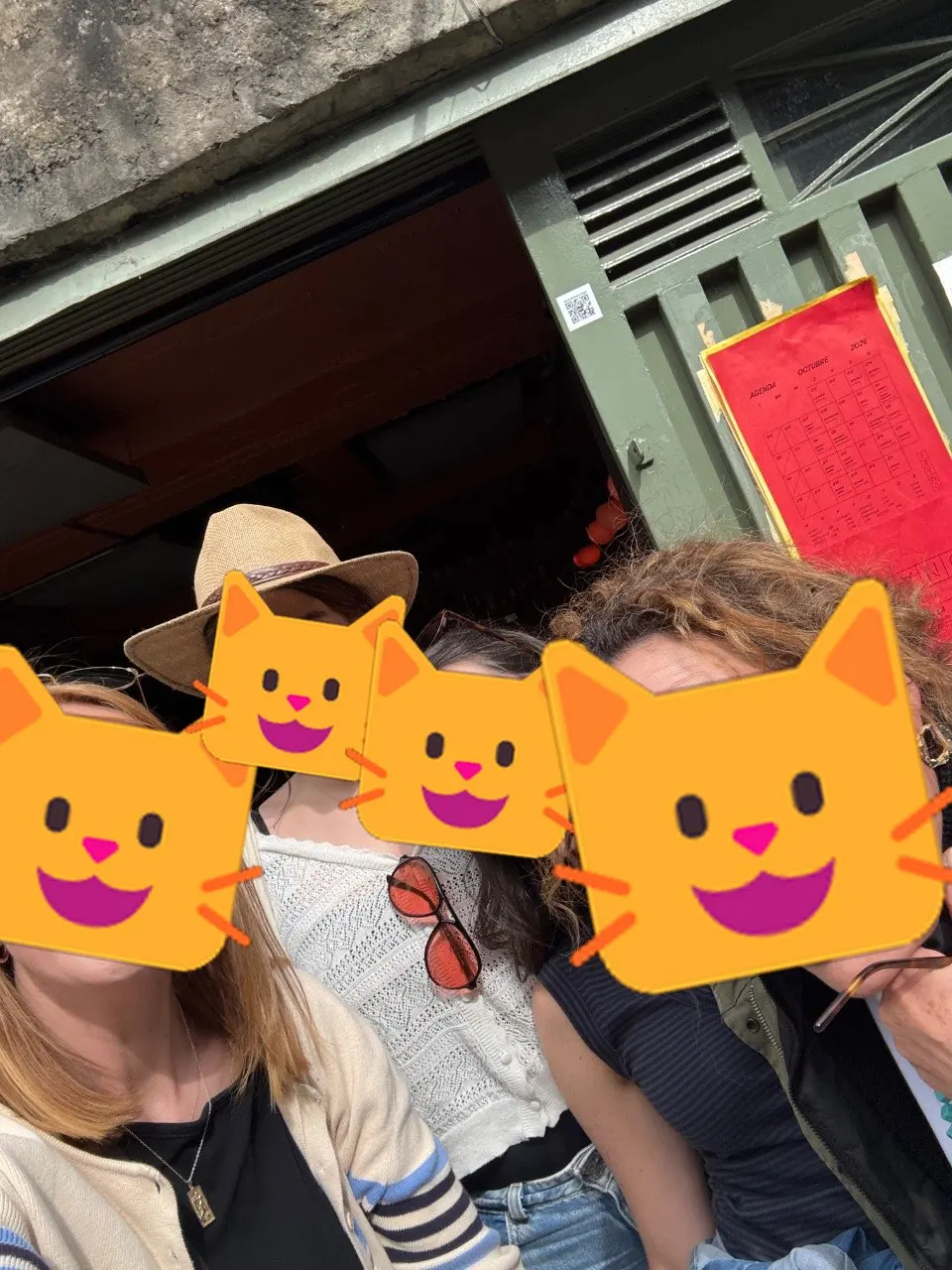
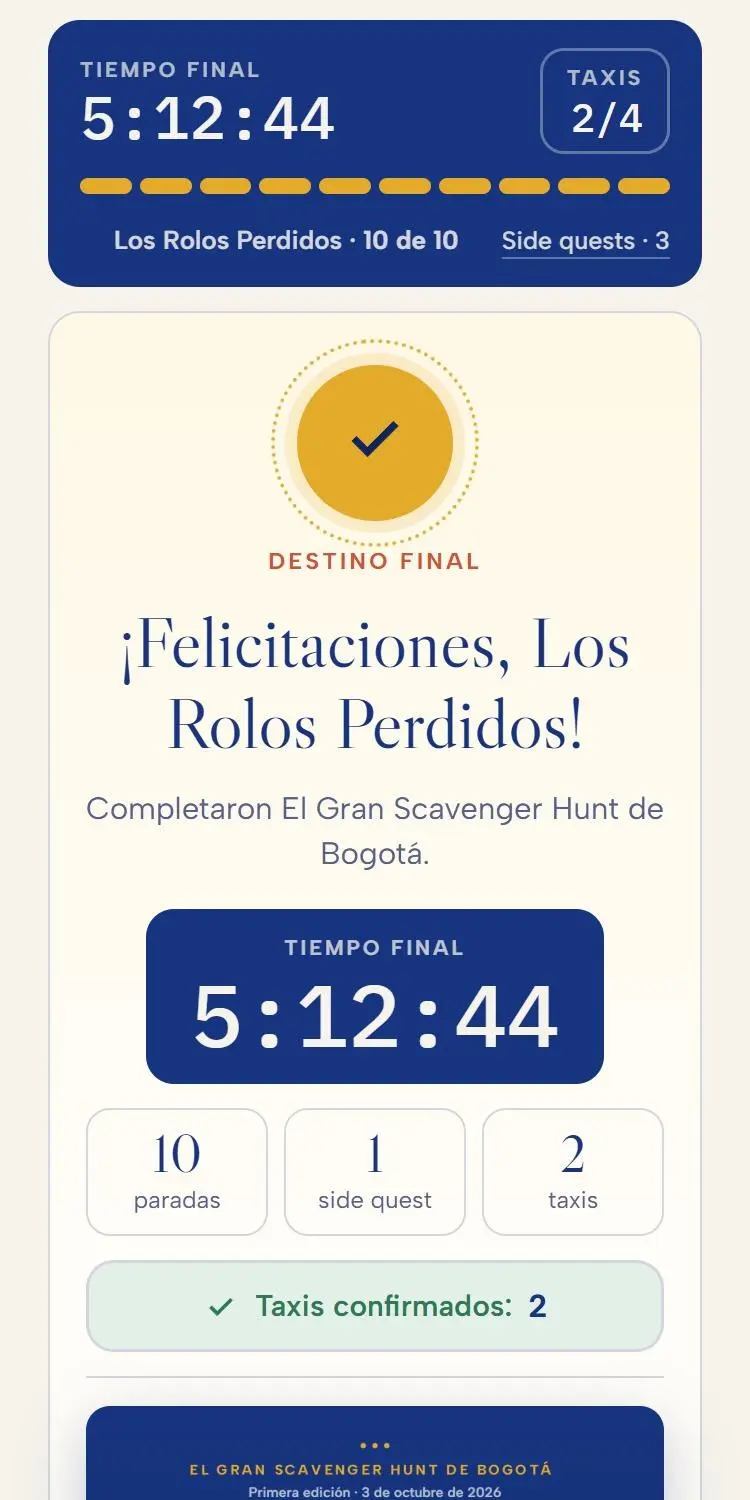
Every team got a private link on WhatsApp: no download, no sign-up. Swipe through the day: what the app showed at each stop, next to the photos teams sent back. Faces are swapped for team emoji: 🐱 Las gatas, 🐶 Lxs perritxs, 🐺 Los lobos and 🌞 Los muiscas insurgentes.
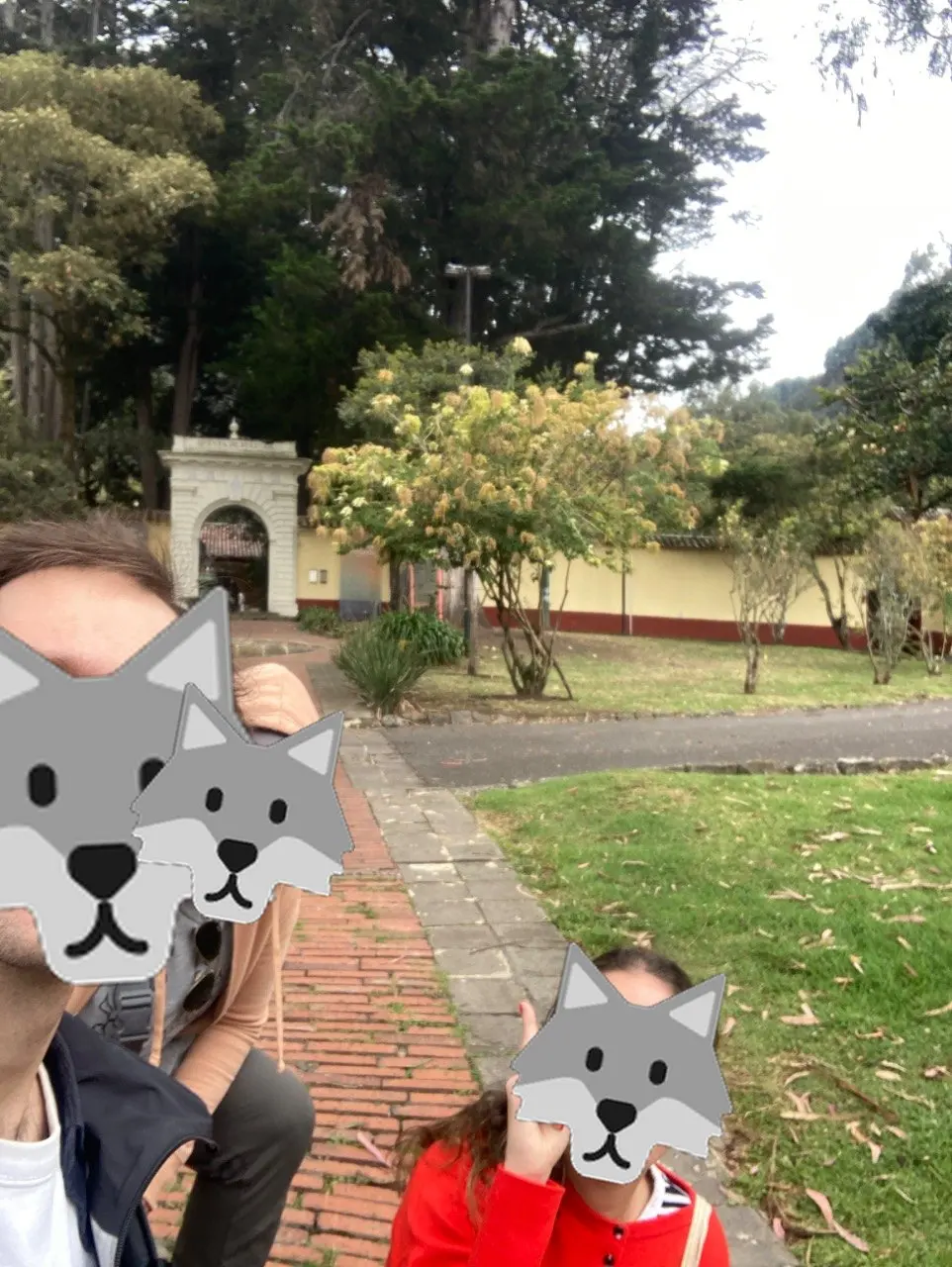
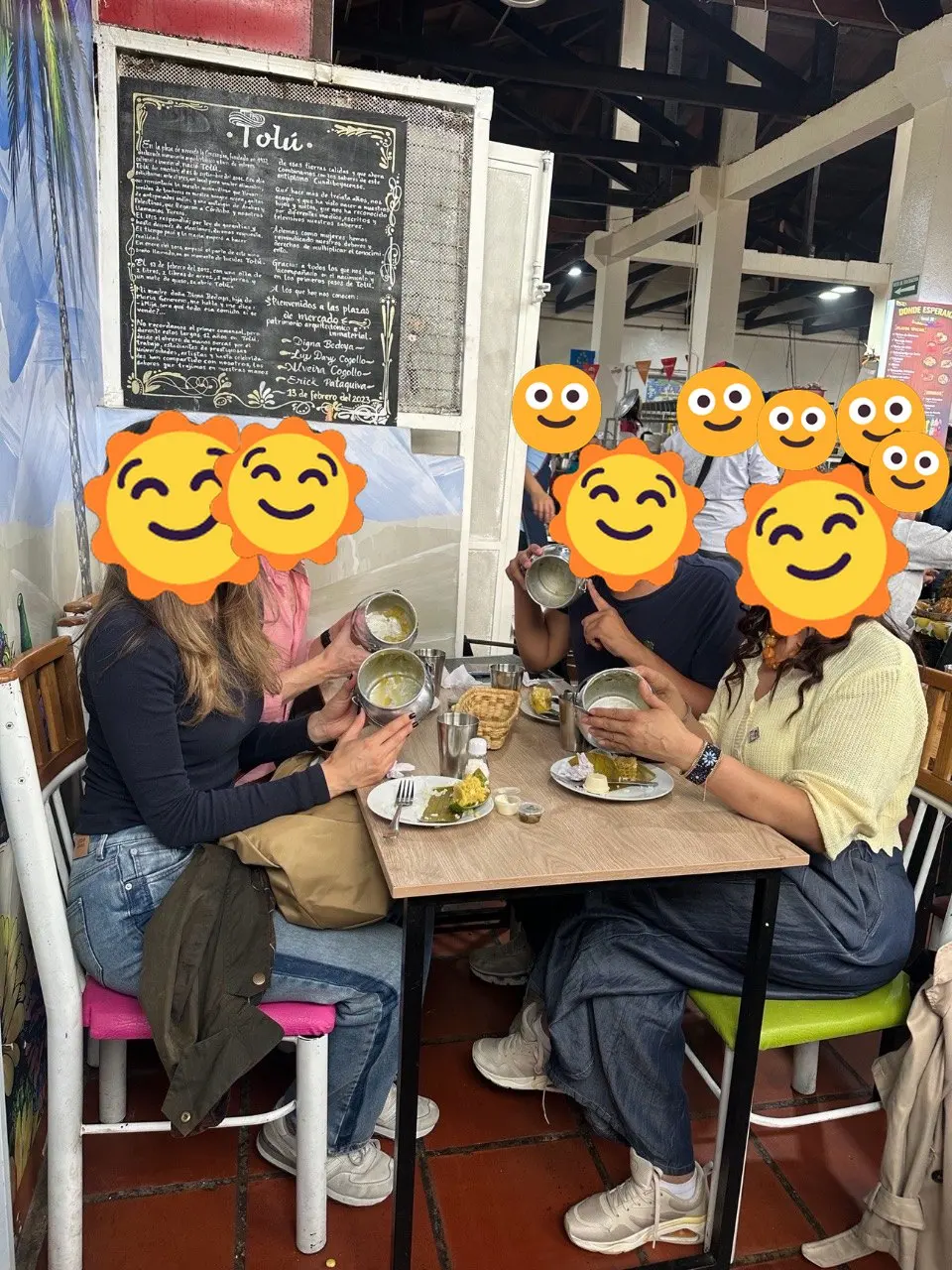
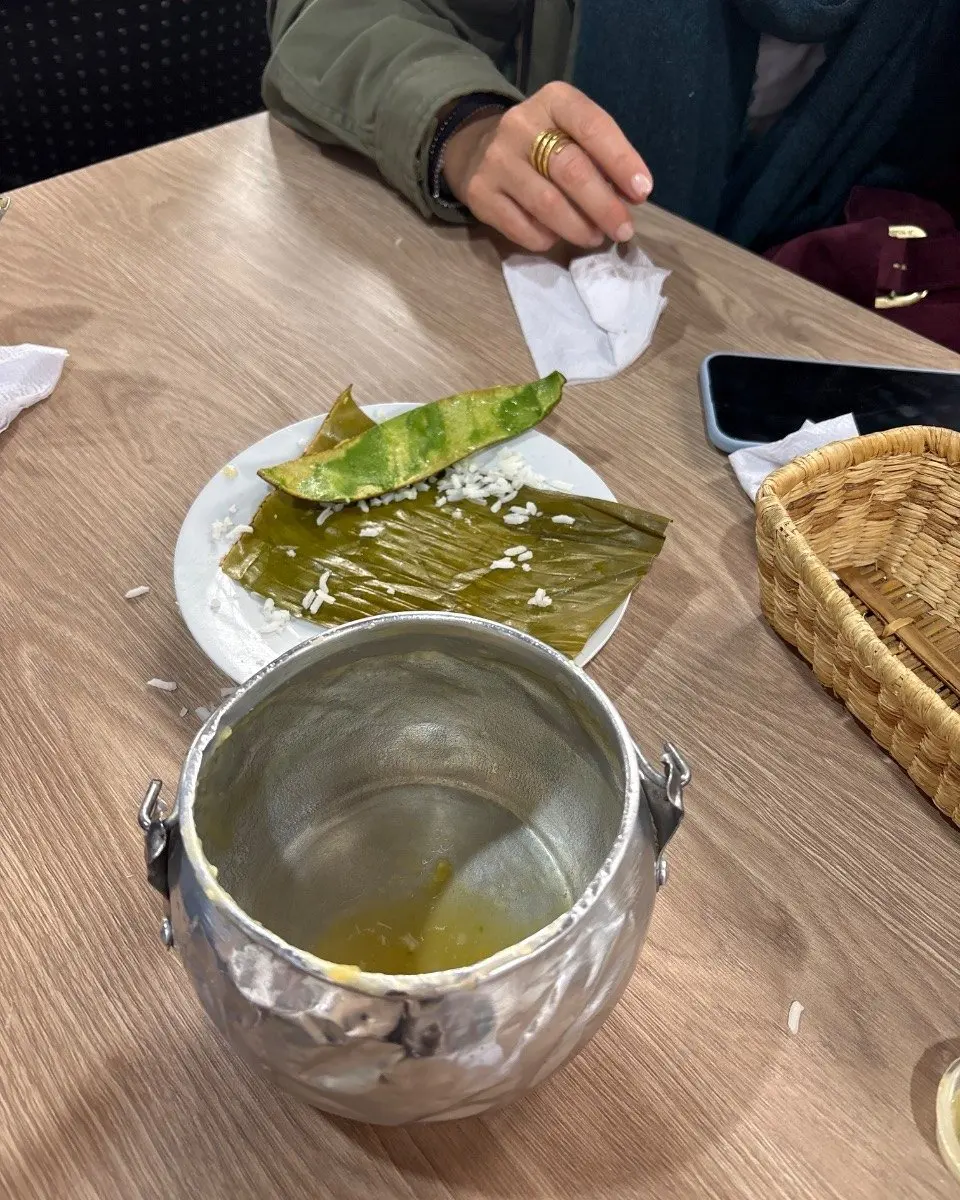
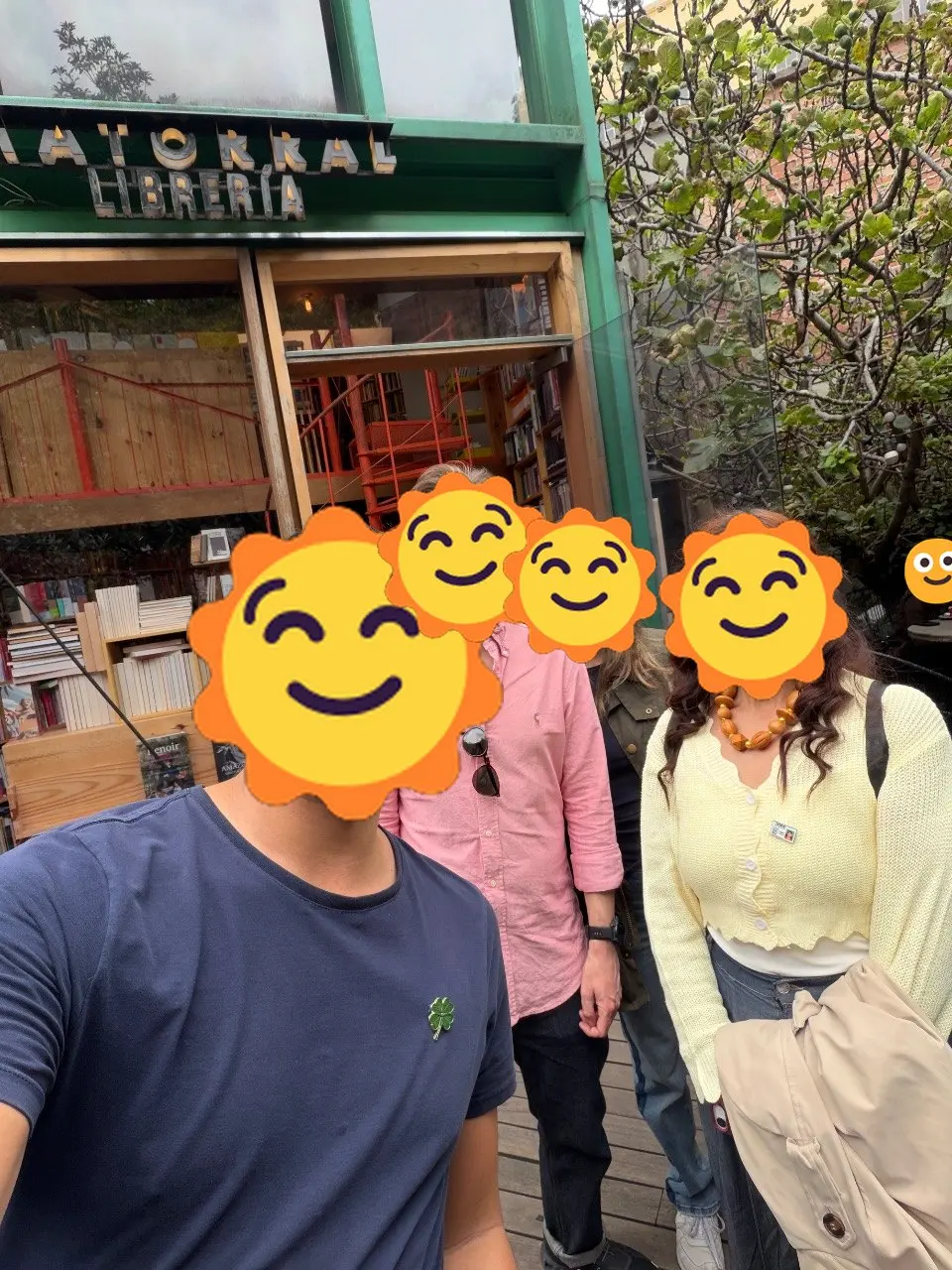
How the scoring worked
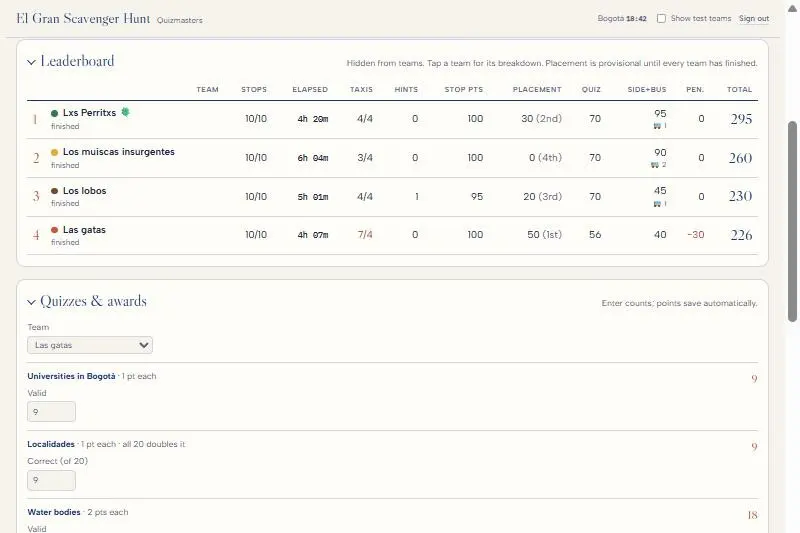
We wanted more than one way to win, and nobody sure who had won until the reveal. Every stop was worth 10 points (5 if you used the hint), so finishing mattered most. On top of that, four things pulled teams in different directions: a speed bonus (50, 30 and 20 for the three fastest), trivia at two stops (capped at 70 so a team of quiz nerds couldn't run away with it), optional side quests worth 20 to 50 points that cost you time, and transport (four free taxis, minus 10 for each one after that, plus 5 for every leg taken by bus). The leaderboard stayed hidden from teams all day.
It played out the way we'd hoped. Las gatas were fastest by 13 minutes but took seven taxis and finished last. Los muiscas insurgentes were slowest by an hour and still came second, on side quests, buses and maxed-out trivia. Lxs perritxs won by doing a bit of everything: second fastest, every side quest, full trivia marks and no extra taxis.
Running it on the day
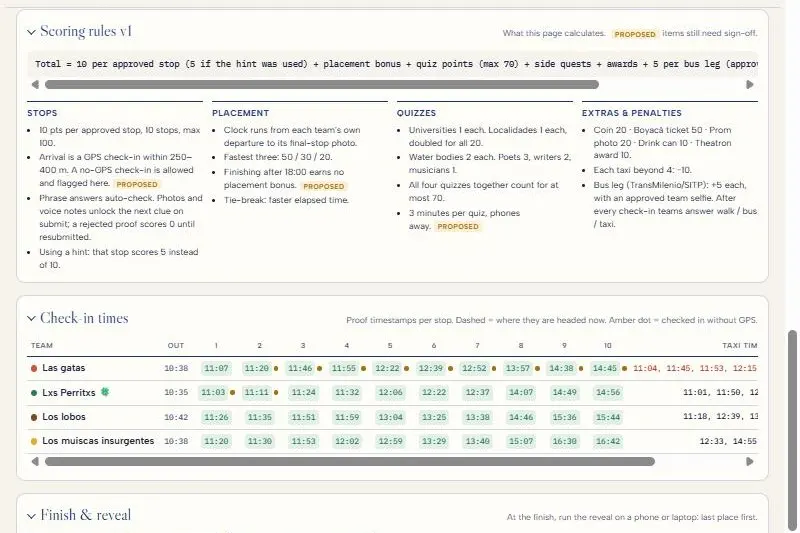
J and I ran everything from a private admin page on our phones: starting each team ten minutes apart, approving photos as they came in, entering trivia scores, and watching who was where. A WhatsApp bot pinged our group every time a team checked in or sent a photo. At the end, the same page ran the reveal, from last place to first, with each team's photos.

How we built it
My wife, J, was the creative inspiration behind the hunt. She wrote riddles and clues in the form of short poems for each stop. I decided how the webapp should feel and how the scoring worked, in order to keep teams guessing who won right until the end.
We started with a clickable mock-up to agree on the feel, then built the real thing in one full-afternoon session: a database locked down so tightly that the only way in is a handful of functions that check your team's link. That's what kept the next clue, the answers and the final bar out of reach of anyone curious enough to read the page source. A second day went on polish: the confetti, the share card, a photo slideshow for the reveal.
The code turned out to be the easy part. The real work was the clues, walking the route to make sure the GPS check-ins work, and a pair of test teams that could jump to any stop, so we could rehearse a six-hour route from the sofa. We were still shipping on the day: a bonus for riding the bus went in that morning, then a can't-miss "find the quizmaster" popup went in mid-hunt, after the first teams walked straight past me at the Quinta de Bolívar.
Build your own
Everything we learned is in one Markdown file: how it works, what it costs (basically nothing), how to write clues and run the day, a fill-in-the-blanks prompt to paste into Claude Code or Codex, and a technical appendix with our database and rules. Drop it into your agent, swap Bogotá for your city, and spend your time on the clues.
Preview what you're downloading
# How to build your own city scavenger hunt

A guide for friends who want to run something like *El Gran Scavenger Hunt de Bogotá*: a one-day treasure hunt where teams walk a city with their phones, solve clues, prove they got there, and gather for a big results reveal at the end.

You don't need to be a programmer. We built ours by talking to an AI coding agent (Claude Code), and section 5 has a prompt you can paste to do the same. What you *do* need is a free weekend for the tech, a few weeks for the clues, and someone who'll walk the route with you.

**See it first.** Play the real app at [hunt.rossgarlick.com/demo](https://hunt.rossgarlick.com/demo): our actual route and clues, in Spanish as our players saw it, with a "simulate arrival" button so you can play from anywhere. There's also the [guess-the-place edition](https://hunt.rossgarlick.com/desde-lejos) we made for friends who couldn't come. The story behind it is at [rossgarlick.com/projects/scavenger-hunt](https://rossgarlick.com/projects/scavenger-hunt).

**How this guide is laid out.** Sections 1–5 are for anyone: what it is, how we made it, what you need, how to run the day, and a prompt to paste into your AI agent. The appendix at the end is the technical detail of our build, for you (or your agent) to copy or improve on.

---

## 1. What it is: the player experience

**Teams and links.** Players are split into teams of about four on the day. Each team gets a private link (something like `yourhunt.com/?t=abc123`) sent to their team chat. There's no app to install and no account to create: opening the link *is* logging in. Anyone without a link sees a welcome page with a countdown, the meeting point and what to bring.

**Before the start.** Teams pick their own name on a waiting screen. Teams leave about 10 minutes apart, so they aren't all following each other. The organisers press "Start" for each team as it sets off, and each team's clock starts from its own departure.

**Each stop has three parts:**

1. **The clue.** A short poem about a place. Only the current clue is ever sent to the phone, so nobody can peek ahead.
2. **Check-in.** When they think they're there, they tap "We're here". The phone's GPS is compared with the stop's location, with a generous circle of about 250–400 m. Wrong place gives a friendly "not yet, you're 1.2 km away" shake. If GPS fails, they can check in without it and the organisers verify by hand.
3. **The challenge.** Prove you're there with a team photo or a typed answer (for example "copy the inscription on the statue"). Typed answers are checked automatically; photos go to the organisers to approve.

After each check-in the team also says how they got there (on foot, by bus or by taxi), because transport is part of the scoring.

**Hints.** Each stop has one hint. Using it halves that stop's points.

**Side quests.** Optional detours unlock along the way (find an old coin in a museum, buy a bus ticket to a historic town) for bonus points.

**Live trivia.** At two stops an organiser is waiting in person with a timed quiz on paper.

**The finish.** The last stop is a secret bar. Its name never appears anywhere players can see. The final photo stops the team's clock, the app throws confetti, and the team gets a shareable "we made it" image card for Instagram or WhatsApp.

**Scoring** (ours; change any of it):

| Thing | Points |
|---|---|
| Each stop completed | 10 (5 if the hint was used) |
| Fastest three teams | 50 / 30 / 20 (nothing if finishing after the cut-off time) |
| Live trivia | Up to 70 across all quizzes |
| Side quests | 20–50 each |
| Bus instead of taxi, with a selfie as proof | +5 per leg |
| Taxis | 4 free, then −10 each |
| Small awards (best photo, etc.) | +10 |
| Manual adjustment | Whatever the organisers decide |

**The reveal.** At the end, the organisers open a full-screen reveal on a laptop or phone. It goes from last place to the champions, one team at a time, showing each team's points breakdown, members and a strip of their photos. This was everyone's favourite moment.

**For the organisers** there's a private admin page with:
- the team list, start buttons and copy-link buttons
- a review queue for photos (approve or reject)
- a live leaderboard (hidden from players)
- quiz score entry
- a check-in timeline per team
- a photo slideshow and "download all photos"
- the reveal

Optionally, a WhatsApp bot posts updates to the organisers' group: "Team 3 reached stop 5 · 2h10", "Team 1 sent a photo to review", "Team 2 FINISHED".

---

## 2. How we built it

### The stack

| Piece | What we used | Why |
|---|---|---|
| Pages | Plain HTML, CSS and JavaScript files, no framework or build step | Simple, fast and easy to change on the day |
| Hosting | Vercel (free Hobby plan), connected to a GitHub repo | Pushing to GitHub publishes the site in about a minute |
| Domain | A subdomain of a domain we already owned | Looks nicer on invites; optional |
| Data | Supabase (free tier): a Postgres database plus an API | Holds teams, clues, check-ins, photos and scores |
| Photos | Shrunk on the phone to about 1280 px, then stored in the database | No separate file storage needed for ~50 photos |
| Notifications (optional) | A small script on an existing server that sends WhatsApp messages through our own WhatsApp bot | Nice to have; the admin page shows everything anyway |

The whole app is about 3,000 lines across a dozen files: the team page, the admin page, shared helpers, the confetti and animations, the share card, the photo tools, and the database setup scripts.

### How team links and security work

This is the part worth understanding, even if your agent writes the code:

- **Every team gets a random token**, a short unguessable string. It's in their link, and the phone remembers it.
- **The database tables are completely locked.** The web page can't read or write them directly. Instead, the database has a small set of named functions, such as "get my team's state", "check in", "submit proof" or "use hint". Each function first checks the team token, and the admin functions check the organisers' passcode.
- **Secrets stay on the server.** Clues are released one stop at a time, answers are checked in the database, and GPS distance is calculated in the database. So even someone who reads the page's source code can't see the next clue or the answers.
- **The admin passcode is never stored in the code.** The database only keeps a scrambled (hashed) version of it, and the passcode itself lives in a private file that's never uploaded to GitHub.
- **Test teams** have a "demo mode": fake an arrival, jump to any stop, reset. That lets you rehearse the whole route from your sofa. Real teams can't use it.

### How we built it with Claude

We didn't write the code by hand. We worked with Claude Code (Anthropic's AI coding agent) in a back-and-forth conversation:

1. **Mock-up first.** Claude made a clickable prototype page so we could agree on how it should feel before building anything real.
2. **The real thing in one long session (about a day).** Database tables and the locked-down functions, then the team page, then the admin page, then deployment to Vercel and our domain. About 30 small saves (git commits) that day.
3. **Polish (another day).**
   - **Photos and sharing:** the photo slideshow, zip download and share card.
   - **Game tweaks:** clue wording, the hint and taxi rules, and the scoring cap on trivia.
   - **Testing:** testing everything on "test teams".
4. **Rehearsal.** We walked to the stops whose locations we weren't sure of and pressed "check in" on a test team to confirm the GPS circle was right.
5. **Event day.** We were still changing things live. Each change was tested on a test team before going out, which is why the test-team setup is worth having:
   - **Bus bonus:** added that morning.
   - **Trivia popup:** added mid-hunt, after teams walked straight past the first trivia stop.
   - **Reveal fix:** the empty fifth team was hidden from the reveal.

What worked well with the agent:
- **Describing the experience, not the code.** For example: "after check-in, ask whether they came by taxi; that answer is the taxi count".
- **Asking it to test on a test team** after every change.
- **Keeping a handoff file** in the repo (state, decisions, to-dos), so each new session picked up where the last one stopped.

---

## 3. Requirements

**Accounts (all free to start):**
- GitHub, to store the code.
- Vercel, for hosting. Sign in with GitHub.
- Supabase, for the database. The free tier is plenty for one event.
- Claude, with a Pro or Max plan that includes Claude Code.
- *Optional:* a domain name, about USD 10–15 a year, or use the free `something.vercel.app` address.
- *Optional:* a WhatsApp bot for organiser updates. Only worth it if you already run one.

**Costs.** USD 0 for hosting and database at this size. Add the Claude subscription (from about USD 20 a month) and an optional domain. Our real costs were the bar tab and printing.

**Skills.**
- You'll need to be comfortable copying and pasting, creating accounts, and following instructions like "add this setting in Vercel".
- No coding needed, but it helps to be the kind of person who reads error messages instead of panicking.
- Writing good clues matters far more than any of the tech.

**Time.**

| Task | Time |
|---|---|
| Tech with an agent | 1–2 focused days, plus an evening of testing |
| Choosing stops and writing clues, hints and challenges | 2–4 weeks of on-and-off thinking. This is the real work. |
| Walking the route to check timings and GPS | Half a day |
| Printing quiz sheets, prep and the day itself | 1 day |

For scale: our route of 10 stops across a big city took teams between 4 and 6 hours with a mix of walking, buses and taxis.

---

## 4. How to run your own event

### Setup checklist

- [ ] **Pick a date, a meeting point and a secret final venue.** A bar or restaurant where everyone can sit together works best, and booking ahead helps.
- [ ] **Pick 8–12 stops in a sensible order.** Check that a team can walk or bus between them in your time budget.
- [ ] **Check opening hours for the day** of every stop that's indoors: museums, markets, libraries, shops.
- [ ] **Write a clue, a hint and a challenge for each stop** (tips below).
- [ ] **Get exact map coordinates for each stop,** then walk to the doubtful ones and test a check-in. Use 250 m circles where you're sure and 400 m where you're not.
- [ ] **Decide the scoring and write it down.** Tell players the rules up front, especially the transport rules.
- [ ] **Set up teams in admin:**
  - [ ] about four people per team, and at least one local per team
  - [ ] departure gap (we used 10 minutes)
  - [ ] the taxi limit
- [ ] **Create two test teams** and run the whole hunt on them from start to finish, including the reveal.
- [ ] **Print** any paper quizzes, plus a private organiser sheet with every clue, hint and answer.
- [ ] **Share the admin passcode** with your co-organiser, and both sign in on your phones the day before.
- [ ] **The day before:** reset the test teams and check no real team has any progress.

### Writing clues

- **One place, one idea.** A short rhyming poem that points to one unmistakable thing (a famous painting, a statue, a TV show's house) works better than a riddle with three possible answers.
- **Mix the types:**
  - famous landmarks (easy warm-up)
  - local in-jokes (fun for locals)
  - "you'd never find this without the clue" spots (the memorable ones)
- **The challenge should only be possible on site:** copy an inscription, photo with a specific object, eat the local dish and show the empty plate. Typed answers can be checked automatically; photos need a person to approve them.
- **Hints should narrow it down, not give it away.** "You're looking for a statue" is a good hint.
- **Keep the final destination secret.** Don't name it in invites, page text, the share card or anywhere players can see. Its clue should be the most personal one.
- **Remember your audience.** Mixed groups of locals and visitors had the most fun. We required at least one local per team.

### Day-of tips

- **Meet 15 minutes before the start.** Make the teams, type in the members, copy each team's link into its chat, and tell everyone to open it, **allow location** and keep mobile data on.
- **iPhone location trouble** is the most common support request. Fix it in Settings › Privacy › Location Services › Safari → "While Using", then reload the page.
- **Have one organiser watch the review queue** and approve photos quickly; teams can carry on while they wait.
- **Make in-person stops impossible to miss.** Ours wasn't, and teams walked straight past the first trivia point. The app now shows a big "Stop! Find the quizmaster" popup there.
- **Keep the admin open on your phone.** Seeing who's stuck where lets you nudge them with a message.
- **At the finish:** teams confirm their taxi count on their phones, you enter quiz scores and awards, and you check the leaderboard. Then dim the lights and run the reveal from last place to first.
- **Afterwards:** download all the photos, send each team its results card, and then delete the photos from the database.
- **Bonus idea:** for friends who can't come, we made a "play from home" version where they guess each place by name and get a photo and a map link as the reveal. It was a hit.

---

## 5. "Build it with your agent"

Paste the prompt below into Claude Code in an empty folder, fill in everything in `[BRACKETS]` first, and let it work through it step by step. It will ask you to create accounts and paste settings as it goes. Expect a few back-and-forths, and test on test teams before every event.

```text
I want to build a mobile web app for a one-day city scavenger hunt, plus a private admin page for the organisers. I'm not a programmer: explain each step that needs me (creating accounts, pasting keys, DNS) in plain language, do everything else yourself, and test as you go.

EVENT
- City: [CITY]. Date: [DATE]. Meeting point: [MEETING POINT]. Start time: [START TIME]. Finish cut-off for the speed bonus: [CUT-OFF TIME].
- Language for players: [LANGUAGE] (organiser admin page can be in [ADMIN LANGUAGE]).
- Teams: [NUMBER OF TEAMS] teams of about [TEAM SIZE], leaving [GAP] minutes apart, each team's clock starting at its own departure.
- Stops: [NUMBER OF STOPS] stops in a fixed order. The last stop is a secret venue whose name must NEVER appear anywhere players can see (pages, public JavaScript, share images, notifications).

STACK (keep it simple)
- Static HTML/CSS/vanilla JavaScript, no framework and no build step, hosted on Vercel from a GitHub repo (push to main = deploy). Optional custom domain: [DOMAIN OR "none"].
- Supabase (Postgres) for data, in its own schema. Lock all tables (row-level security on, no grants to the public key). The browser may ONLY call a set of database functions (SECURITY DEFINER RPCs) that each check either a team token or the admin passcode. Store only a SHA-256 hash of the admin passcode in the database; keep the passcode itself in a local .env file that is git-ignored. Never put secrets in the page source.
- Photos: downscale on the phone to about 1280 px JPEG and store them in the database (fine for one event; we'll delete them afterwards).

TEAM APP (one page; each team opens its private link /?t=<random token>)
- No link: a welcome page with a countdown, the meeting point, what to bring and a "paste your link" box.
- Before departure: the team chooses its name (locked once started) and waits; the page polls for the start.
- For each stop:
  1. Show only the current clue (formatted as a poem). Never send future clues, stop names or answers to the phone.
  2. "We're here" button. Compare the phone's GPS with the stop's coordinates on the server, within the stop's radius (default 250 m) plus some slack for GPS accuracy. A wrong place shows the distance away with a gentle shake animation. If GPS fails, allow a "check in without GPS" that is flagged for organisers to confirm.
  3. After check-in: confetti, then ask "How did you get here? On foot / Bus / Taxi". Taxi counts toward a free limit of [TAXI LIMIT]; each extra taxi costs [TAXI PENALTY] points. Bus asks for a team selfie as proof, for +[BUS BONUS] points once approved (with a "no selfie, continue without the bonus" option).
  4. The challenge: either a photo upload (goes to the organisers' review queue; the next clue unlocks right away) or a typed answer checked on the server (case- and accent-insensitive key words).
- One hint per stop; using it means that stop scores [HINT POINTS] instead of [STOP POINTS]. Show this before they confirm.
- Optional side quests that unlock after given stops, for bonus points, each proven with a photo.
- At stops [TRIVIA STOP NUMBERS], an organiser runs in-person trivia: after check-in show a can't-miss popup ("Stop! Find [ORGANISER NAME] for the trivia before continuing") that the team must dismiss.
- Finish: the final stop's photo stops the clock. Show a celebration, the final time, the stops and side quests done, a taxi-count confirmation (the declared number is what's scored), and a "create share card" button. The card is a 1080x1350 image with the team name, final time and up to 4 of their photos as polaroids; caption the final stop "Final destination", never its name. Open the phone's share sheet.
- Polish: mobile-first, large tap targets, respects reduced-motion, works on iPhone Safari and Android Chrome.

ADMIN PAGE (/admin, passcode login, works on phones, several organisers at once)
- Teams: name, colour, members, copy link, "Start now", schedule all departures (first time + gap, in order or shuffled), add/delete team.
- Review queue: pending photos inline (tap to zoom), approve/reject, oldest first; flag no-GPS check-ins.
- Live leaderboard with a per-team points breakdown (hidden from players).
- Quiz entry: [DESCRIBE YOUR QUIZZES AND HOW EACH IS SCORED], all quizzes together capped at [QUIZ CAP]. Awards: [AWARDS, e.g. best photo +10]. Manual ± adjustment per team.
- A check-in timeline grid: team × stop.
- Scoring = stop points + speed bonus [SPEED BONUSES, e.g. 50/30/20 for the three fastest, none after the cut-off] + quizzes + side quests + awards + bus bonus − taxi penalty ± adjustment.
- Reveal: full-screen, from last place to first, one team per tap. Show the place, name, total, points breakdown, members and a strip of 4 of their photos. Leave out teams that never set off.
- Photo slideshow and "download all photos as .zip" (one folder per team).
- Test teams: marked as test, hidden from the leaderboard and reveal unless toggled on, with a demo mode (simulate arrival / wrong place, jump to stop N, reset progress). Real teams can never use demo tools.

CONTENT
Load this into a seed file I can edit and re-run:
[FOR EACH STOP: number, place name, latitude, longitude, radius in metres, clue text, hint, challenge (photo or typed answer + accepted key words), organiser note]
[SIDE QUESTS: name, where, unlocks after stop N, points, what to photograph]

PROCESS
1. Start with a quick clickable mock-up of the team page so I can approve the look and feel.
2. Then build the database, the RPCs, the team page and the admin page; deploy to Vercel; connect the domain.
3. Create two test teams and walk me through rehearsing the full route from my sofa, including the reveal.
4. Keep a HANDOFF.md in the repo with the current state, how to deploy, decisions and open to-dos, so a new session can continue.
5. Before any change on event day, test it on a test team first.
```

Good luck, and have a great hunt! 🗺️


---

## Appendix: how ours is built (technical)

Everything below is what's running at hunt.rossgarlick.com. It was about 3,000 lines in total across the pages, scripts and database files, written over 37 commits between 29 September and the event on 3 October 2026. Hand this section to your agent if you want it to copy our approach closely.

### Files

| File | What it does |
|---|---|
| `public/index.html` + `team.js` | The team app (one page, renders from a single state object) |
| `public/admin.html` + `admin.js` | The organisers' page |
| `public/common.js` | Shared helpers: the `rpc()` wrapper, formatting, photo downscaling, poem layout |
| `public/motion.js` | Canvas confetti on correct answers; a damped "nope" shake plus a distance count-up on a wrong check-in. Respects reduced-motion. |
| `public/landing.js` | Welcome page for anyone without a team link (countdown, details, paste-your-link), ES/EN |
| `public/sharecard.js` | Draws the 1080×1350 share image on a canvas and opens the phone's share sheet |
| `public/photos.js` | Admin photo slideshow and "download all as .zip" |
| `public/demo.js` + `demo.html` | The public demo: the same team app against an in-browser copy of the game (see below) |
| `supabase/migrations/*.sql` | Schema and functions, one file per change |
| `supabase/seed.sql` | The content: stops, clues, hints, side quests |
| `HANDOFF.md` | Living state file for the next session (the most useful file in the repo) |

No framework, no bundler, no build step. Vercel serves `public/` as static files, with `cleanUrls` on.

### Database (Supabase, schema `hunt`)

| Table | Holds |
|---|---|
| `teams` | id, name, colour, **token**, departure time (null = still waiting), members, `name_by_team`, `taxi_declared`, `is_test`, quiz scores (jsonb), awards (jsonb), manual adjustment |
| `stops` | n, name, clue, challenge text, proof type (`phrase` / `photo`), hint, organiser note, lat/lng/radius, accepted answer words, optional letter puzzle |
| `sides` | Side quests: id, name, place (or a riddle in place of the place), points, unlocks after stop N |
| `checkins` | One row per team per stop: time, GPS ok?, distance, lat/lng/accuracy |
| `subs` | Submissions keyed `s1`…`s10`, `b<n>` (bus selfie), or a side-quest id: status `pending` / `approved` / `rejected`, typed answer or photo (data URL), reviewer note |
| `hints` | Team × stop, when a hint was used |
| `legs` | Team × stop, how they travelled: `walk` / `bus` / `taxi` |
| `config` | One row: SHA-256 of the admin passcode, taxi limit, departure gap, feed key hash |

Row-level security is on for every table, and the public (publishable) API key has **no grants** on any of them. The only door in is a set of `SECURITY DEFINER` functions in `public`, each of which checks a credential first.

**Team functions** (take `p_token`):
- `hunt_state`: everything the phone needs, computed fresh. It sends only the current clue, the stop name only after check-in, and side quests only once unlocked.
- `hunt_team_name`: until departure.
- `hunt_checkin(lat, lng, accuracy)`, plus `hunt_checkin_demo` for test teams only.
- `hunt_leg_mode(walk|bus|taxi)`.
- `hunt_hint`.
- `hunt_check_letters`: stop 1's fill-in-the-letters puzzle.
- `hunt_submit(key, answer, media, type)`.
- `hunt_team_photos`: for the share card.
- `hunt_taxi_confirm(count)`: after finishing.

**Admin functions** take `p_key`, the passcode, which is hashed and compared in the database:
- `hunt_admin_state`
- team save, start, schedule and delete
- review: approve or reject with a note
- scores and awards
- test-team jump and reset
- `hunt_admin_media`: photos load one at a time, so the main admin poll stays small.

**Helpers inside the schema:**
- `_team(token)` raises `bad_token`.
- `_current(team)` is the lowest stop without a live (non-rejected) submission.
- `_dist` is the distance in metres (haversine).
- `_norm` lower-cases and strips accents; every typed-answer comparison uses it.

### Rules worth copying

- **Check-in**: accepted if `distance ≤ radius + min(GPS accuracy, 150 m)`. We used 250 m for places we'd pinned exactly and 400 m for approximations. A wrong place returns only the distance, never the target.
- **Typed answers** pass if every accepted key word appears in the normalised answer. That means spelling, accents and word order don't matter, but missing a word does.
- **Photos** are pending until an organiser approves them, but the next clue unlocks immediately. Nobody waits on the review queue.
- **Stop 10's photo** stops the team's clock (`finish` = that submission's time).
- **Scoring is computed in the admin page** from raw rows, so changing a rule mid-event (we did, twice) recalculates everything instantly:
  `stops (10, or 5 with hint) + speed bonus 50/30/20 + quizzes (capped at 70) + side quests + bus selfies (+5) + awards − 10 per taxi beyond 4 ± adjustment`.
- **Polling, not websockets.** Teams poll every 20 s (every 5 s before departure), and the admin page every few seconds. That's plenty for a walking game and has zero moving parts.

### Photos

The phone draws the picture onto a canvas at 1280 px max, then exports a JPEG at quality 0.74 (about 300–600 KB) and sends it as a data URL in the `subs` row. For ~50 photos that's simpler than a storage bucket. Afterwards: download the zip from admin, then null out the `media` column.

### The public demo

`/demo` loads the real `team.js`, but first `demo.js` replaces the global `rpc()` with a local implementation of the same functions and rules, running on a snapshot of the route. State lives in `localStorage` (photos in memory only). An English bar explains it, reveals each stop's answer on request, and offers a reset. Nothing reaches the database, so it can't be abused, and it will keep working after the real event data is deleted. If you build your own, this is also a handy way to rehearse without a backend.

### WhatsApp notifier (optional)

A cron job on a small server we already had calls `hunt_feed` (which takes its own key) every 15 seconds. It turns new check-ins, submissions and finishes into one-line messages and posts them to the organisers' WhatsApp group through our existing bot. It's plain templates, no AI. It had `off` / `test` / `live` modes, so we could rehearse it on test teams. You don't need this: the admin page shows the same things.

### Things that bit us

- **iPhone location permission** is per-site in Safari, and once denied it stays denied until changed in Settings. Hence the "check in without GPS" fallback, which marks the check-in for the organisers to confirm.
- **Recreating a Postgres function** that returns the full state means re-pasting the whole body every time you add a field. Ask your agent to fetch the current definition from the database first (`pg_get_functiondef`), not from an old migration file.
- **The final destination leaked nowhere** because of one rule given to the agent at the start: never put its name in anything the phone can download. Our share card captions that stop "Destino final".
- **Test teams that can jump to any stop** made rehearsing a 6-hour route possible in 20 minutes.